

Table of contents
- n8n vs Make vs Power Automate — Which Is Right for Your Business?
- What All Three Tools Have in Common
- n8n — Open Source, Full Control, No Per-Operation Cost
- Make — Visual, Fast, 1,500+ Connectors
- Power Automate — Microsoft Native, Deep 365 Integration
- The Decision Framework — Which One to Choose
- What This Looks Like in Practice
- Frequently Asked Questions
- Can Community and Enterprise modules be mixed in the same Odoo implementation?
- Is Odoo Community sufficient for GST compliance in India?
- Does Odoo Enterprise handle VAT for UAE and Qatar?
- Is Odoo Enterprise worth it for a business with 5-10 users?
- Can I start with Community and upgrade to Enterprise later?
- What is Odoo pricing in India compared to the Middle East?
- Do Sufalam's published modules work with both Community and Enterprise?
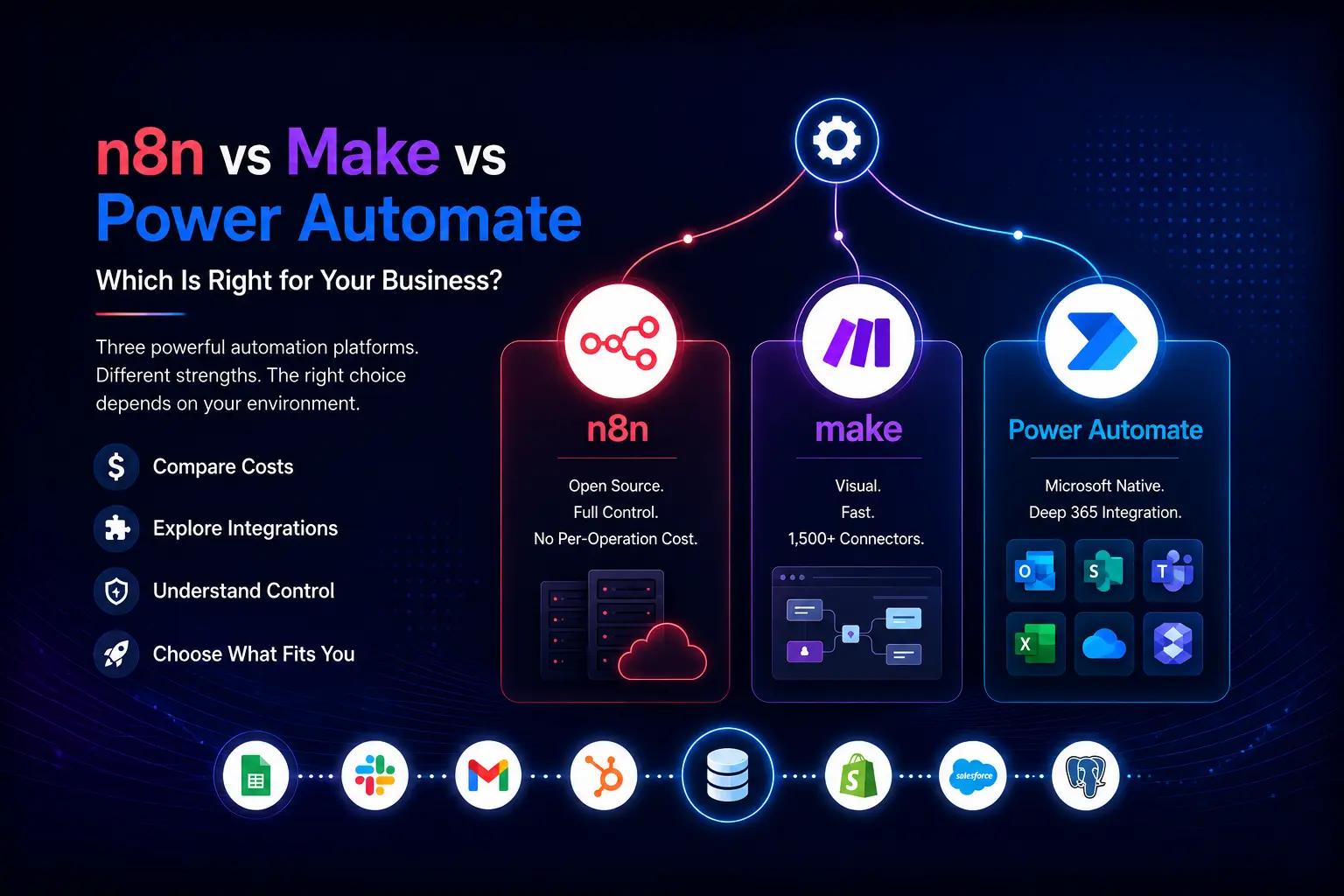
n8n vs Make vs Power Automate — Which Is Right for Your Business?
If you have started evaluating workflow automation platforms, you have almost certainly encountered these three names. They dominate the market for connecting business systems and automating repetitive processes — and they are genuinely different tools designed for different environments.
This is not a ranking. There is no single 'best' platform. The right choice depends on where your business operates, what systems you are connecting, how technical your team is, and how much control you need over your data. This article gives you the practical framework to make that decision — without marketing bias toward any particular vendor.
We build with all three at Sufalam. Our recommendation to clients is always the same: the right tool is the one that fits your environment, not the one with the best website.
What All Three Tools Have in Common
Before the differences, the shared foundation: all three platforms are built on the same core concept. Something happens in one system — a new form submission, a payment completed, a record updated — and that triggers an action in another system. The trigger-action model is universal.
All three support hundreds of app connections, all three can handle multi-step workflows, and all three have visual interfaces that do not require writing code for most use cases. The differences emerge when you look at cost structure, hosting model, Microsoft ecosystem depth, and how they handle complex logic.
n8n — Open Source, Full Control, No Per-Operation Cost
n8n is the only major open-source option in this comparison. You can self-host it on your own server, which means your data never leaves your infrastructure and you pay a fixed hosting cost rather than a per-operation fee. This matters significantly at scale.
- Best for : Complex multi-step workflows, businesses with data residency requirements, teams with basic technical capability, high-volume automation where per-operation pricing becomes expensive
- Not ideal for : Teams with no technical resource at all, businesses needing the absolute fastest time-to-deployment on simple workflows
Cost model: Self-hosted (free + server costs) or cloud from $20/month. No per-operation charges at any tier. For high-volume workflows, this is the most cost-effective option by a wide margin.
Technical requirement: Self-hosted requires basic Linux/server knowledge to set up. The workflow builder itself is visual and accessible to non-developers. Cloud version requires no technical setup.
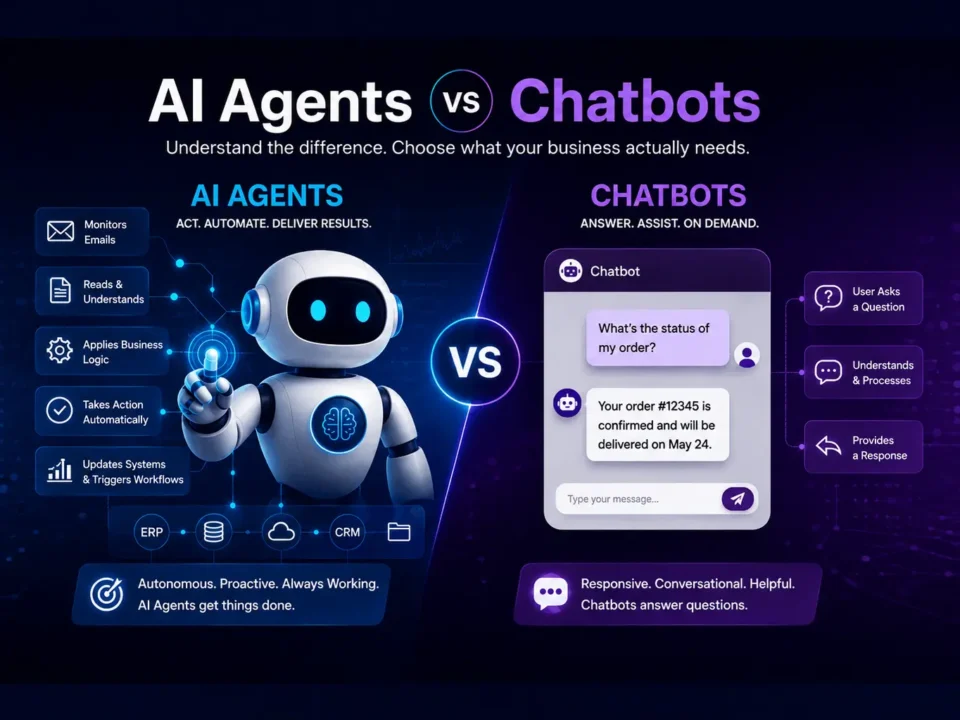
Odoo integration: Strong. n8n has a native Odoo node and supports custom API calls. We use n8n as the primary orchestration layer for complex Odoo automation projects — including the Email-to-Quote Agent architecture.
Data control : Maximum control when self-hosted. Your automation logic, your credentials and your data stay entirely within your infrastructure.
Make — Visual, Fast, 1,500+ Connectors
Make (formerly Integromat) is the most visually intuitive of the three platforms. Its canvas-based workflow builder makes complex automation logic readable at a glance — you can see the entire flow from trigger to final action as a connected diagram. This makes it excellent for teams who want workflows that are easy to review, modify and hand over.
- Best for : Rapid deployment across a wide range of SaaS tools, teams without technical resource, workflows that need to be easily understood and maintained by non-developers
- Not ideal for : Very high-volume workflows (per-operation pricing scales quickly), businesses needing self-hosted data control
Cost model: Free tier (1,000 operations/month). Paid plans from $9/month for 10,000 operations. Pricing scales with operation volume — costs can grow quickly for high-frequency workflows.
Technical requirement : Lowest technical barrier of the three. The visual canvas is accessible to business users with no development background. Authentication and setup for most connectors is guided.
Odoo integration : Good. Make has native Odoo modules and supports custom HTTP requests. Well-suited for connecting Odoo to SaaS platforms where Make already has a pre-built connector.
Connector library : 1,500+ native app connectors — the largest of the three. If a tool you need to connect has a Make module, deployment is significantly faster than building a custom API connection.
Power Automate — Microsoft Native, Deep 365 Integration
Power Automate is Microsoft's automation platform, and that is both its greatest strength and its most important context. If your business runs on Microsoft 365 — Outlook, Teams, SharePoint, Excel, OneDrive, Dynamics — Power Automate has native integrations that go deeper than any third-party tool can match.
- Best for : Businesses running Microsoft 365 as the primary productivity environment, organisations already in the Microsoft ecosystem, teams wanting native Teams and SharePoint integration
- Not ideal for : Businesses primarily using Google Workspace, workflows connecting predominantly non-Microsoft SaaS tools, teams wanting self-hosted data control
Cost model : Included in most Microsoft 365 Business and Enterprise plans at a basic level. Premium connectors and per-user flows from $15/user/month. For Microsoft 365 subscribers, the entry cost is effectively zero for standard workflows.
Technical requirement : Moderate. The interface is less immediately intuitive than Make but the Microsoft 365 connection setup is seamless for organisations already licensed. Requires more familiarity with Power Platform concepts for complex flows.
Odoo integration : Possible via HTTP connector and custom connectors, but not as native as n8n or Make. Power Automate is not the primary choice for Odoo-centric automation projects — it is the right choice when the workflow lives predominantly in the Microsoft ecosystem and Odoo is one of several connections.
Unique advantage : Desktop flows — Power Automate can automate legacy desktop applications that have no API. If your business runs older software that cannot be connected via API, Power Automate's desktop automation capability is unique in this comparison.
Side-by-Side Comparison
| n8n | Make | Power Automate | |
|---|---|---|---|
| Open source / self-hosted | Yes — full control | No — cloud only | No — Microsoft cloud |
| Starting cost | Free (self-hosted) | $9/month | Included in M365 |
| Per-operation pricing | No | Yes | Limited |
| Connector count | 400+ (+ custom API) | 1,500+ | 1,000+ |
| Odoo integration | Native node — strong | Good — pre-built | Via HTTP — workable |
| Microsoft 365 depth | Standard | Good | Native — deepest |
| Google Workspace | Good | Good | Standard |
| Technical requirement | Low-Medium | Low | Medium |
| Best for | Complex / high-volume | Rapid SaaS deployment | Microsoft environments |
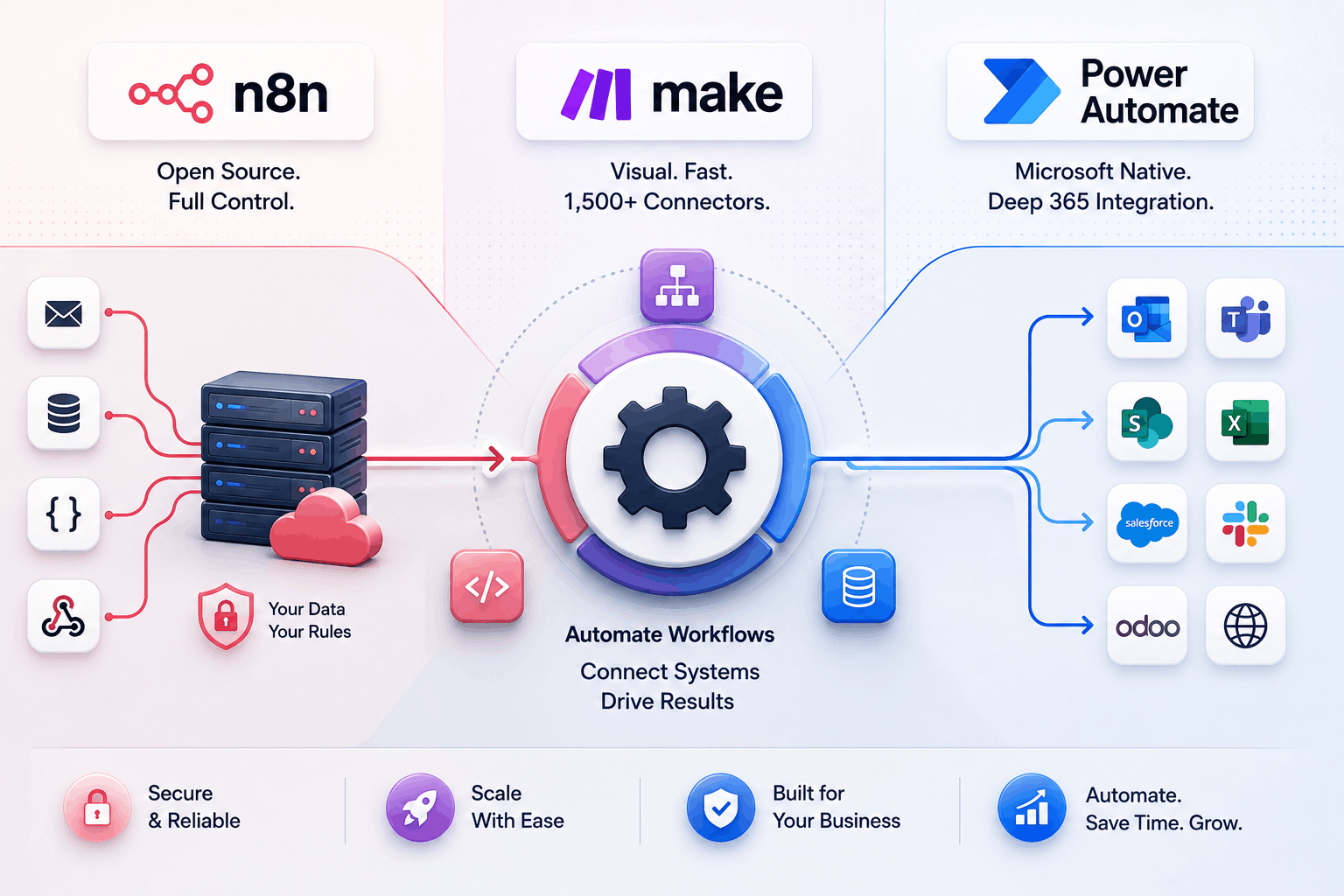
The Decision Framework — Which One to Choose
Rather than a generic recommendation, here is a decision table based on the most common business profiles we encounter.
| Scenario | Recommended |
|---|---|

Your business runs primarily on Microsoft 365 and Teams
|
Power Automate Native depth across the Microsoft stack is genuinely difficult to replicate. The cost advantage (included in existing M365 licences) is significant. |

You need to connect Odoo to a wide range of SaaS tools quickly
|
Make The connector library and visual interface make cross-platform deployment fastest. Cost scales with volume — watch this if workflows are high-frequency. |

You have high-volume workflows and want full data control
|
n8n (Self-hosted) No per-operation pricing and full data sovereignty. Requires basic technical capability for server setup, but the workflow builder is accessible to non-developers. |

You are running a complex AI automation pipeline (LLM + ERP + comms)
|
n8n The open architecture, strong API support and no per-operation pricing make n8n the best fit for sophisticated multi-system automation involving LLMs. |

You want the fastest possible deployment with minimal technical overhead
|
Make Visual, intuitive, 1,500+ connectors. If your integration target has a Make module, you can be live in hours—not days. |

You need to automate a legacy desktop application with no API
|
Power Automate Desktop flows are unique to Power Automate. No other platform in this comparison handles this use case. |
A note on combining tools: many businesses we work with use more than one platform. n8n for high-volume Odoo-connected workflows, Power Automate for Microsoft 365 tasks, and Make for rapid deployment of new SaaS connections. There is no rule that says you must choose one.
What This Looks Like in Practice
The tool comparison is useful, but the real question is what automation looks like once it is built and running. Three examples from businesses we have worked with.
Travel DMC — n8n + Odoo + GPT-4
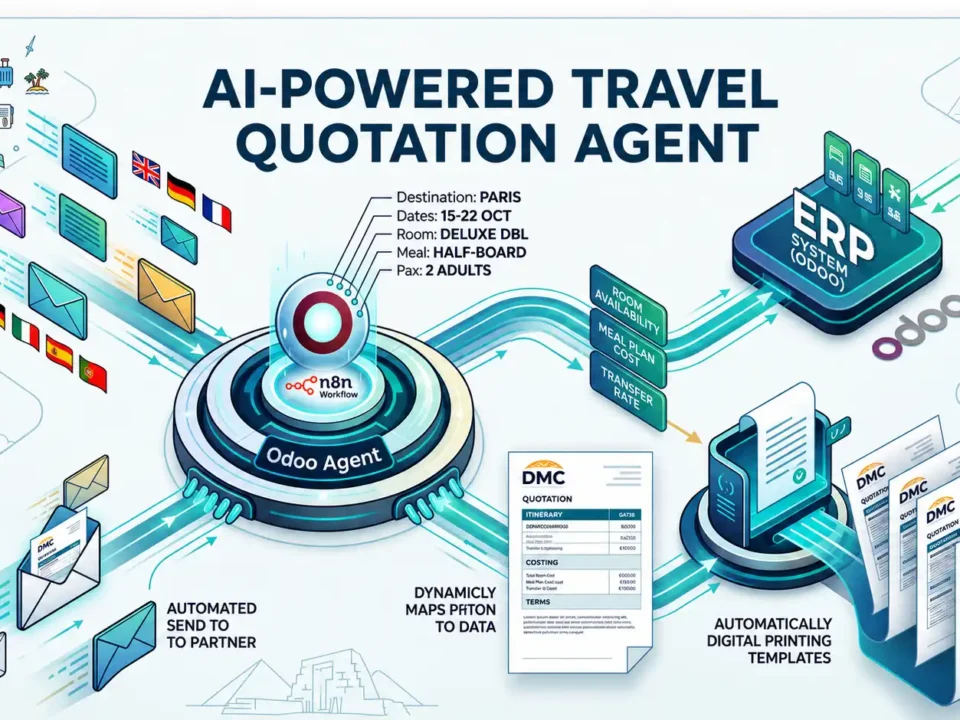
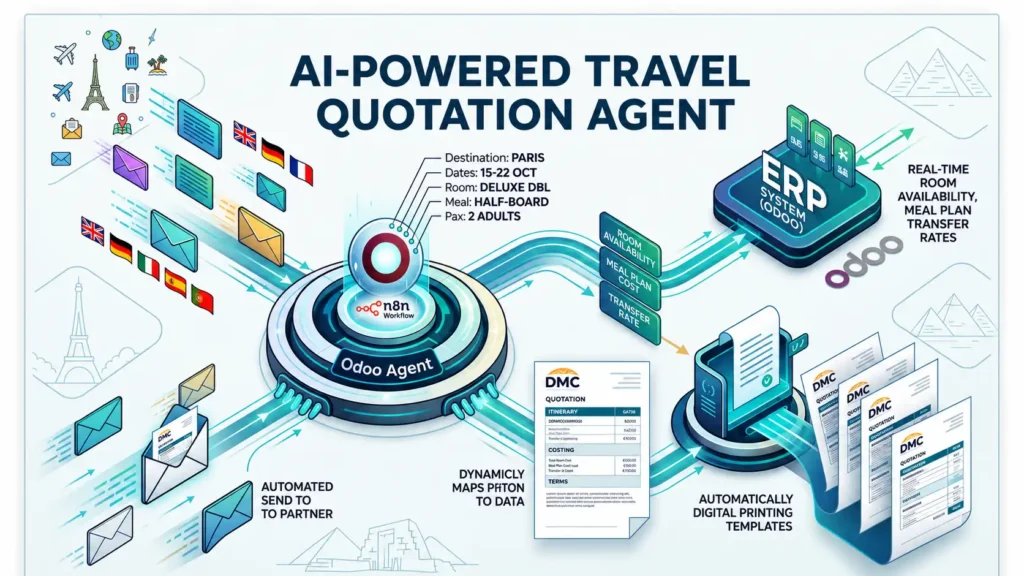
A travel DMC handling 50+ B2B enquiry emails daily had n8n deployed as the orchestration layer. Every inbound email triggers n8n, which passes the content to GPT-4 for parameter extraction, queries Odoo for live contracted rates, formats a PDF quotation and delivers it to the partner's inbox. The entire workflow runs in under 3 minutes without human input. We chose n8n because the workflow is high-frequency, involves custom API logic, and the DMC wanted data sovereignty.
Fintech Lender — Make + CRM + Claude
A lending operation had Make connecting their loan application portal to their CRM, Anthropic Claude for KYC document processing, and WhatsApp Business API for applicant notifications. Make was chosen because the connectors for all three systems existed natively, deployment was rapid, and the workflow volume was manageable within Make's pricing tiers
Manufacturing Distributor — Power Automate + Dynamics + Teams
A wholesale distributor running Microsoft Dynamics and Teams had Power Automate connecting their ERP to a SharePoint document library, with Teams notifications for procurement managers when draft purchase orders were ready for review. Power Automate was the clear choice — the entire workflow lived within the Microsoft ecosystem.
Frequently Asked Questions
Can Community and Enterprise modules be mixed in the same Odoo implementation?
No. Enterprise is all-or-nothing. If you need any Enterprise module in your Odoo implementation, you need an Enterprise subscription covering all users. You cannot run some modules on Community and others on Enterprise in the same deployment.
Is Odoo Community sufficient for GST compliance in India?
For simple invoicing below the e-invoicing threshold, Community with the right configuration can handle Odoo GST India basics. However, for businesses with regular invoicing above the IRP threshold, multi-state IGST/CGST/SGST transactions and GSTR-2B reconciliation requirements, Enterprise is significantly more reliable. Odoo GST India compliance in Enterprise is maintained by Odoo SA and updates automatically with GST rule changes.
Does Odoo Enterprise handle VAT for UAE and Qatar?
Yes. Odoo VAT UAE and Qatar VAT are handled natively in Enterprise with FTA and GTA compliant invoicing formats. Arabic localisation and right-to-left interface support in Enterprise are maintained by Odoo SA. Community Odoo ERP Middle East implementations can handle VAT with community modules but update frequency and reliability vary.
Is Odoo Enterprise worth it for a business with 5-10 users?
It depends which Odoo Enterprise features you need. For a small business in India that needs Odoo GST India e-invoicing, Studio for customisation or Odoo 19 AI features — yes, the Odoo Enterprise cost is justified. For a very small business with simple invoicing and no AI automation plans, Community may be sufficient. Your Odoo partner should review your specific requirements before recommending either edition.
Can I start with Community and upgrade to Enterprise later?
Yes, migration is technically possible. But any customisations in your Community Odoo implementation need auditing for Enterprise compatibility — more disruptive and expensive than starting with Enterprise. If Enterprise is in your Odoo implementation roadmap within 12 months, starting with Enterprise is almost always the better financial decision.
What is Odoo pricing in India compared to the Middle East?
Odoo pricing for Enterprise varies by region. The published per-user pricing from Odoo SA is the baseline — your Odoo partner can confirm current Odoo pricing India and Middle East rates and advise on volume discounts for larger user counts. Always confirm current Odoo pricing at odoo.com/pricing before committing.
Do Sufalam’s published modules work with both Community and Enterprise?
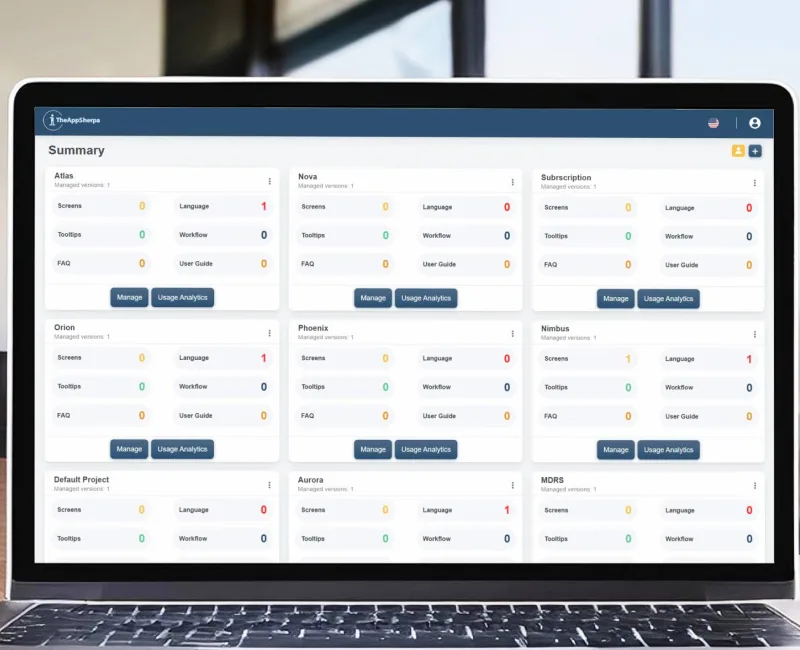
Most Sufalam modules — SnapCard, SkillMatch, Contract Management, TheAppSherpa, PostShield — work with both editions. DashBot and MoodDesk require Enterprise. Our Sadad payment modules for Qatar Odoo ERP Middle East deployments are designed for Enterprise Accounting. See our Odoo Modules u0026amp; Apps page for the full list with edition requirements.