

Table of contents
- How We Built the Email-to-Quote Agent for Travel DMCs
- The Problem
- Why an Agent, Not a Workflow Rule
- The Architecture
- The Edge Cases We Had to Handle
- What the First 30 Days Looked Like
- What We Would Do Differently
- Frequently Asked Questions
- Can Community and Enterprise modules be mixed in the same Odoo implementation?
- Is Odoo Community sufficient for GST compliance in India?
- Does Odoo Enterprise handle VAT for UAE and Qatar?
- Is Odoo Enterprise worth it for a business with 5-10 users?
- Can I start with Community and upgrade to Enterprise later?
- What is Odoo pricing in India compared to the Middle East?
- Do Sufalam's published modules work with both Community and Enterprise?
How We Built the Email-to-Quote Agent for Travel DMCs
This is a case study from a real implementation. The details are specific and the outcomes are measurable. We are writing it because case studies are the most useful content for businesses evaluating whether AI automation is appropriate for their operation — and because vague descriptions of what AI 'can do' are not useful to anyone making a real decision.
The Problem
A travel DMC handling B2B partner business had a quotation process that worked — and was also their single biggest operational constraint.
Partner agencies sent enquiry emails throughout the day and evening. Each enquiry contained a set of parameters: destination, travel dates, number of passengers, room configuration, meal plan, special requests. Each had to be manually read, the parameters extracted, the relevant contracted supplier rates looked up in the ERP, and a formatted quotation built and sent back.
At peak season, the team was processing 50-70 enquiries per day. Each quotation took 35-50 minutes to build from scratch. The process started at 8am and often ran past business hours. Partners in different time zones received responses the following morning, sometimes losing bookings to faster competitors.
The operations director described it precisely: 'We are not doing complex work. We are doing the same structured task, dozens of times a day, as fast as we can.'
The most effective automation targets are high-frequency, high-structure tasks that require effort rather than judgment. This was a near-perfect fit.
Why an Agent, Not a Workflow Rule
The first architectural question was whether this could be solved with a simple automation rule rather than an AI agent. The answer was no, for one specific reason: the input.
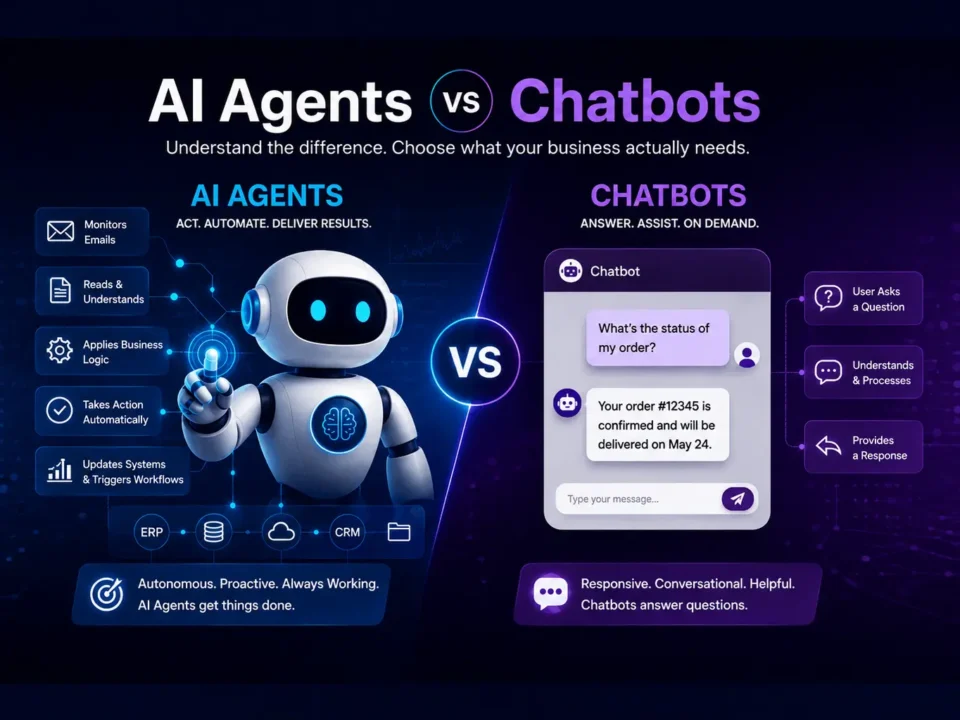
Enquiry emails from B2B partners do not follow a structured template. They are written in natural language, vary significantly in format, sometimes mix multiple enquiries in one email, occasionally contain ambiguous parameters ('something in the 3-4 star range', 'flexible on dates'), and arrive in multiple languages from international partners.
A rule-based workflow requires structured, predictable input. An LLM-based agent handles the variation and ambiguity of natural language. That distinction determined the architecture.
The Architecture
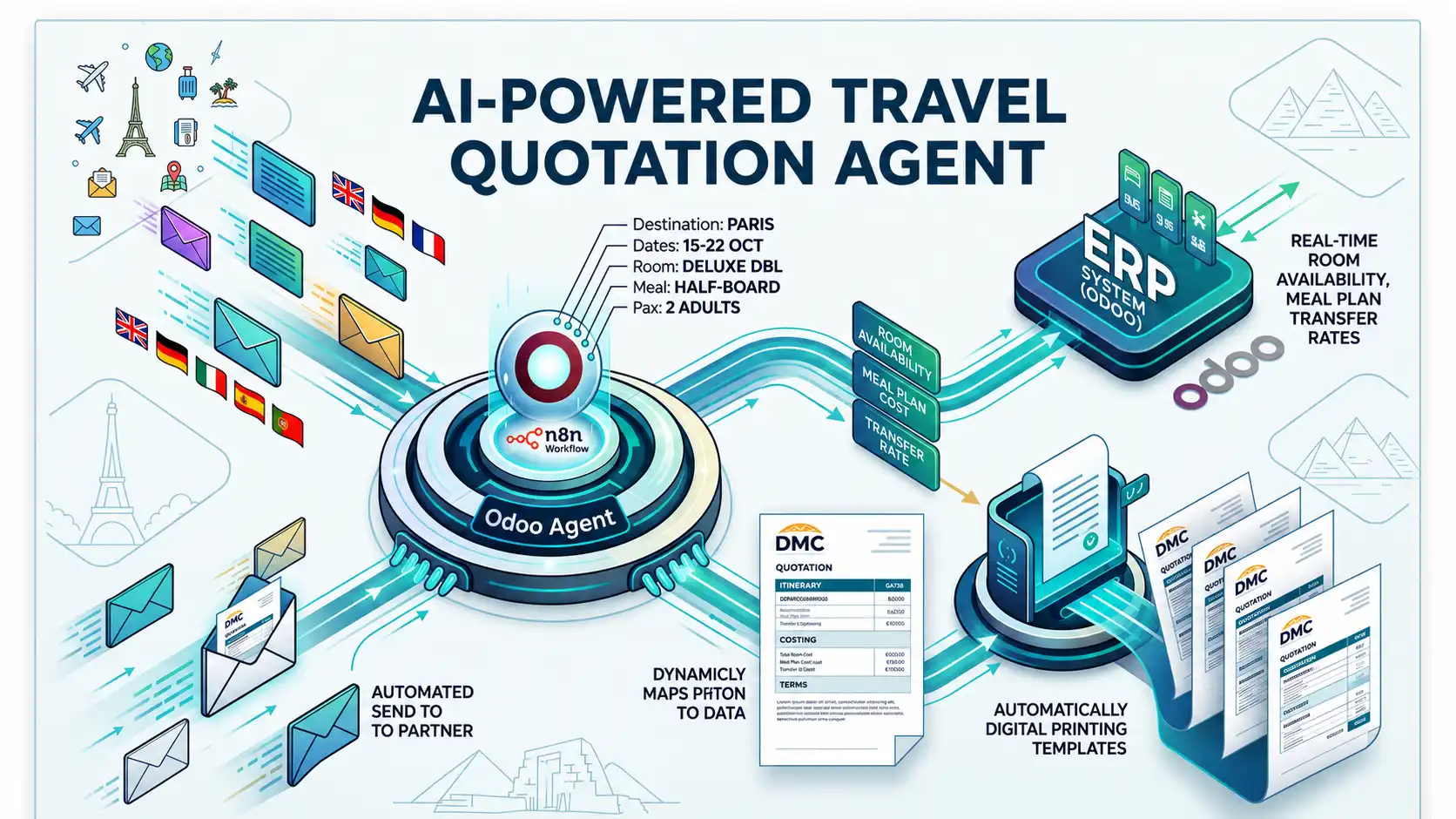
The agent is built on four connected layers.
Layer 1 — Email Monitoring (n8n)
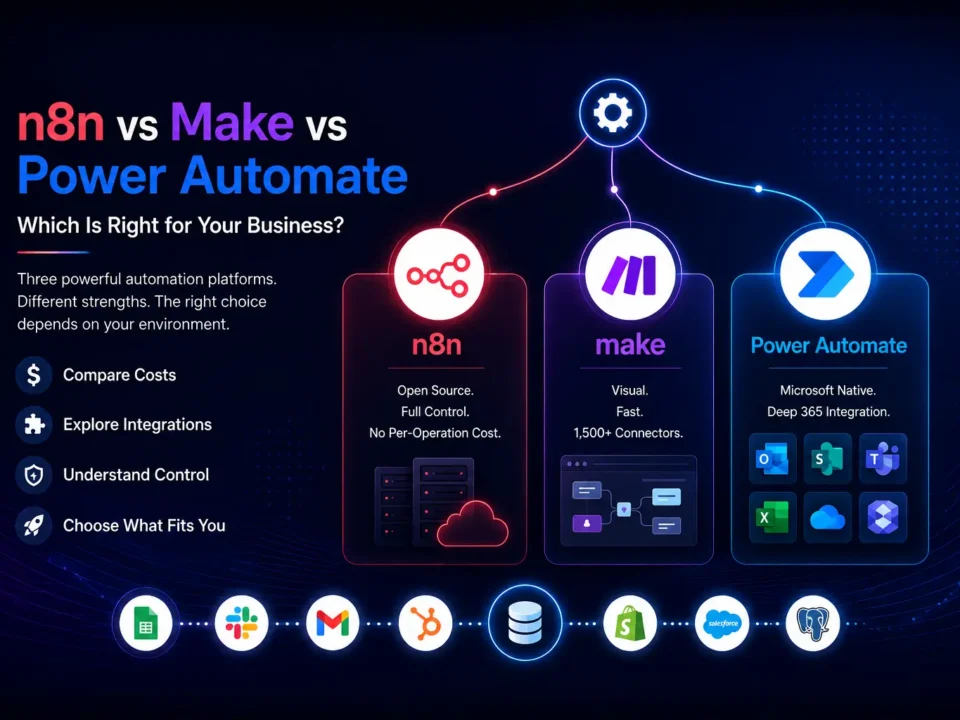
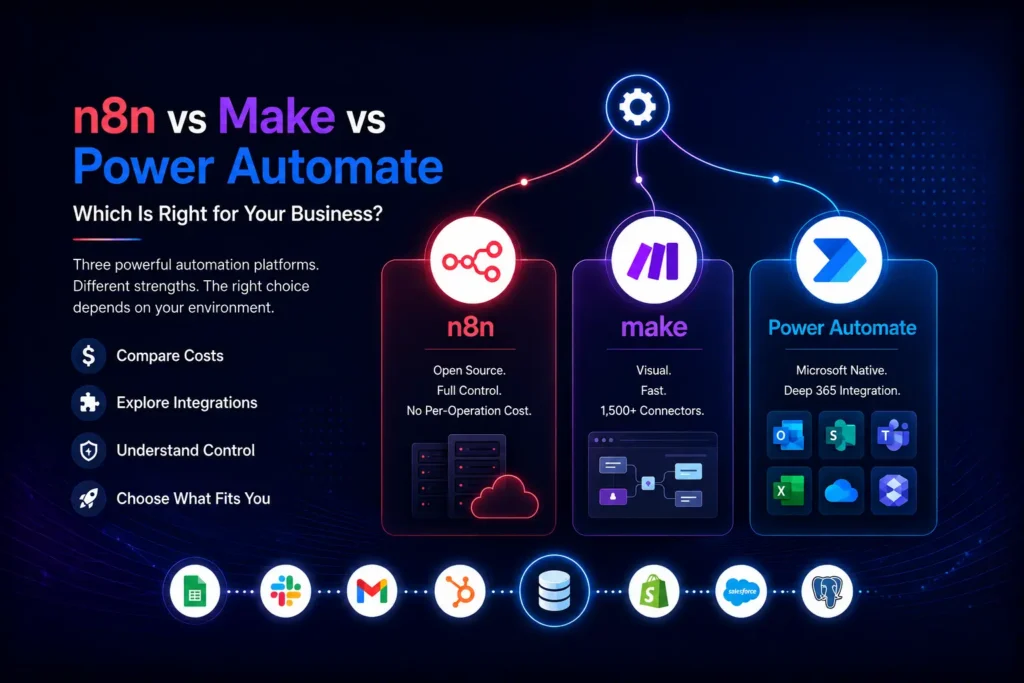
An n8n workflow monitors the designated partner enquiry inbox continuously. When an email arrives, n8n captures the sender, subject and body and passes it to the processing layer. We chose n8n because the DMC wanted the automation running on their own infrastructure — no third-party cloud has access to partner communication data.
Layer 2 — Parameter Extraction (GPT-4)
The email body is passed to GPT-4 with a carefully engineered system prompt. The prompt instructs the model to extract: destination, departure date, return date, number of adults, number of children (with ages), room configuration, meal plan preference, and any special requests. It returns a structured JSON object.
The prompt also handles ambiguity: if a parameter is unclear, the model flags it rather than guessing. If the email contains multiple distinct enquiries, it returns multiple parameter sets. Emails in languages other than English are translated before extraction.
Layer 3 — Rate Retrieval (Odoo ERP)
The structured parameter set is used to query the Odoo ERP. The DMC's contracted supplier rates are held in Odoo — hotel rates by room type and meal plan, excursion pricing, transfer costs. The n8n workflow queries the relevant rate tables and returns the applicable rates for the enquiry parameters.
This is where having Odoo as the data hub matters. The rates the agent retrieves are live — if a supplier rate changes in Odoo, the next quotation uses the updated rate automatically. There is no rate sheet to maintain separately.
Layer 4 — Quotation Generation and Delivery
The extracted parameters and retrieved rates are passed back to GPT-4, which populates the DMC's quotation template. The template includes the DMC's branding, standard terms, and a structured breakdown of accommodation, meals, transfers and excursions. The output is formatted as a PDF, generated by the automation, and sent to the partner's email address with a standard covering note.
The only human step at this point is an approval click — the operations manager receives a notification with the generated quotation attached and confirms it for sending. This takes under 30 seconds.
The Edge Cases We Had to Handle
The first two weeks of live operation revealed the edge cases that do not appear in development. These are the ones that mattered most.
-
- Multi-enquiry emails: Partners frequently sent a single email with 2-3 separate trip requests. The prompt was updated to detect and separate these, generating a distinct quotation for each.
- Missing parameters: Some enquiries arrived without a return date or a room configuration. Rather than failing silently, the agent now generates a partial quotation with the missing parameters flagged, and sends the operations manager a separate notification to follow up.
- Ambiguous date formats: DD/MM vs MM/DD created incorrect extractions for international partners. The prompt now explicitly requests ISO date format in its internal processing and validates date logic (return date must be after departure date).
- Rate not found: For destination-supplier combinations without a contracted rate in Odoo, the agent flags the enquiry for manual processing rather than generating an empty or incorrect quotation.
- Non-enquiry emails: Partners also send administrative emails to the same inbox. The agent now classifies incoming email as 'enquiry' or 'other' in the first extraction step and only processes enquiries.
What the First 30 Days Looked Like
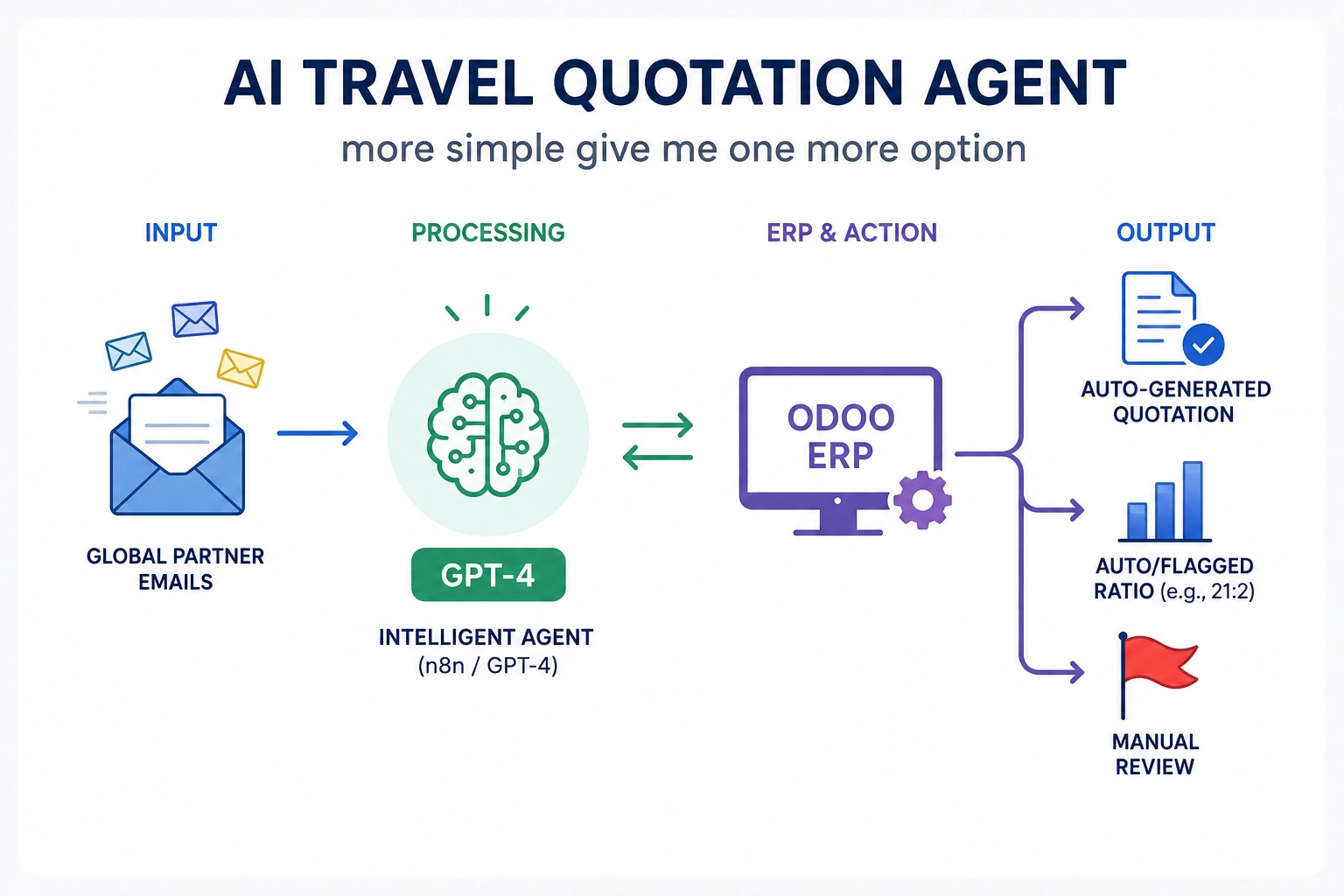
Day 1 live: 23 enquiries processed. 21 quotations generated and approved without modification. 2 flagged for manual review (one missing return date, one destination without a contracted rate).
Week 2: The team stopped checking every quotation individually and began batch-approving the standard ones, reviewing only flagged exceptions. Average approval time dropped from 4 minutes per quotation to under 1 minute per quotation across the batch.
Day 30: The agent was processing enquiries from 11pm to 7am — the overnight window the team had previously not covered. Partners in Middle Eastern and European time zones were receiving quotations within 3 minutes of sending their enquiry, regardless of time.
The Measurable Outcomes
- Quotation turnaround: 35-50 minutes (manual) → under 3 minutes (agent). Consistent 24 hours a day.
- Overnight coverage: zero (team not working) → full (agent monitors continuously).
- ⦁ Operations team time on quotation production: 4-5 hours/day → under 30 minutes/day (approvals only).
- Quotation accuracy: improved — rates pulled directly from ERP, no manual lookup errors.
- Partner satisfaction: measurably faster response times, particularly from partners in different time zones.
What We Would Do Differently
Honest reflection is more useful than a polished success narrative.
We would involve the operations team in the prompt engineering earlier. The first iteration of the extraction prompt was built by the technical team — it worked well for standard enquiries but missed nuances in how certain long-standing partners write their emails. Two weeks of operations team feedback improved it significantly. That input should have come in week one.
We would also build the multi-enquiry detection from day one rather than adding it after go-live. We knew it was a likely edge case. In hindsight, the additional development time before launch would have saved the same time spent handling flagged multi-enquiry emails in the first week.
Frequently Asked Questions
Can Community and Enterprise modules be mixed in the same Odoo implementation?
No. Enterprise is all-or-nothing. If you need any Enterprise module in your Odoo implementation, you need an Enterprise subscription covering all users. You cannot run some modules on Community and others on Enterprise in the same deployment.
Is Odoo Community sufficient for GST compliance in India?
For simple invoicing below the e-invoicing threshold, Community with the right configuration can handle Odoo GST India basics. However, for businesses with regular invoicing above the IRP threshold, multi-state IGST/CGST/SGST transactions and GSTR-2B reconciliation requirements, Enterprise is significantly more reliable. Odoo GST India compliance in Enterprise is maintained by Odoo SA and updates automatically with GST rule changes.
Does Odoo Enterprise handle VAT for UAE and Qatar?
Yes. Odoo VAT UAE and Qatar VAT are handled natively in Enterprise with FTA and GTA compliant invoicing formats. Arabic localisation and right-to-left interface support in Enterprise are maintained by Odoo SA. Community Odoo ERP Middle East implementations can handle VAT with community modules but update frequency and reliability vary.
Is Odoo Enterprise worth it for a business with 5-10 users?
It depends which Odoo Enterprise features you need. For a small business in India that needs Odoo GST India e-invoicing, Studio for customisation or Odoo 19 AI features — yes, the Odoo Enterprise cost is justified. For a very small business with simple invoicing and no AI automation plans, Community may be sufficient. Your Odoo partner should review your specific requirements before recommending either edition.
Can I start with Community and upgrade to Enterprise later?
Yes, migration is technically possible. But any customisations in your Community Odoo implementation need auditing for Enterprise compatibility — more disruptive and expensive than starting with Enterprise. If Enterprise is in your Odoo implementation roadmap within 12 months, starting with Enterprise is almost always the better financial decision.
What is Odoo pricing in India compared to the Middle East?
Odoo pricing for Enterprise varies by region. The published per-user pricing from Odoo SA is the baseline — your Odoo partner can confirm current Odoo pricing India and Middle East rates and advise on volume discounts for larger user counts. Always confirm current Odoo pricing at odoo.com/pricing before committing.
Do Sufalam’s published modules work with both Community and Enterprise?
Most Sufalam modules — SnapCard, SkillMatch, Contract Management, TheAppSherpa, PostShield — work with both editions. DashBot and MoodDesk require Enterprise. Our Sadad payment modules for Qatar Odoo ERP Middle East deployments are designed for Enterprise Accounting. See our Odoo Modules u0026amp; Apps page for the full list with edition requirements.