
Table of contents
- The Current Reality — What the Manual Workflow Looks Like
- What Odoo Replaces — Module by Module
- India-Specific Configuration — GST, e-Invoicing and Complianc
- Light Manufacturing, Blending and Repackaging in Odoo
- Where AI and Automation Go Further
- Moving from Tally to Odoo — The Honest Picture
- What Changes After Go-Live — A Practical Picture
- Running Your Polymer or Plastic Trading Business on Tally and WhatsApp?
- Frequently Asked Questions
- Can Odoo completely replace Tally for GST filing?
- Does Odoo handle the specific product attributes of polymer trading — grade, MFI, density, packaging?
- How do we handle buying in MT and selling in KG?
- We buy from international suppliers in USD. Can Odoo handle multi-currency?
- What happens to our existing Tally data during migration?
- How long does an Odoo implementation take for a polymer trading business?
If you run a polymer or plastic trading business in India, your day probably starts with WhatsApp.
Inquiries from buyers. Rate updates from suppliers. Delivery confirmations from transporters. Order follow-ups from the sales team. By 9am, there are forty unread messages and a pile of decisions that need to happen before the market moves.
Then comes the rest of it. Build the quotation in Excel — after checking the latest rate from the supplier group. Send it on WhatsApp. Wait for confirmation. Raise the purchase order, usually by phone or message. Coordinate dispatch. Generate the e-way bill on the government portal, separately. Enter the invoice in Tally. Chase the payment at the end of the month. Log everything in a register or a spreadsheet that only one person fully understands.
This is how the majority of polymer and plastic trading businesses in India operate today. Not because it is efficient — it is not. But because it works, and because moving to something better has always felt like a bigger project than the daily business can accommodate.
This article is about what happens when that changes. Specifically, what the full business workflow looks like when a polymer/plastic trading business moves to Odoo — from inquiry to invoice, including GST compliance, e-way bill integration, and the layer of AI automation that takes it further still.
We have implemented this for a reputed polymer and plastic trading company based in Ahmedabad. What follows is drawn from that real deployment — not a hypothetical.
The Current Reality — What the Manual Workflow Looks Like
Before looking at the solution, it is worth being honest about the current state. Most polymer traders we encounter are running a combination of:
- Tally for accounting — invoicing, GST filing, basic ledger management
- WhatsApp for most operational communication — inquiries, orders, rate updates, delivery coordination
- Excel for quotations, order tracking, payment follow-up and stock management
- Phone calls for anything time-sensitive — supplier negotiations, transporter coordination, customer follow-up
- Physical registers or paper for goods receipt, weight records, quality checks
This works — up to a point. The problems emerge as the business grows: more buyers, more suppliers, more SKUs, more staff who each have their own version of the tracking sheet. Errors in quotation rates. Missed payment follow-ups. Stock levels that nobody is confident about. GST reconciliation that the CA has to untangle every quarter.
The business is not broken. But it is running on a system that was designed for a smaller, simpler version of itself. The cost is not one dramatic failure — it is thousands of small inefficiencies, daily.
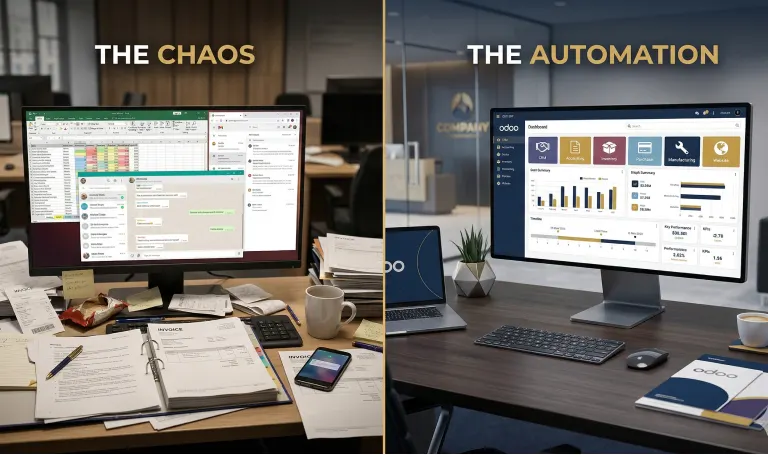
Here is what the full workflow looks like, stage by stage, in a typical polymer trading business today — and the specific friction at each step.
| Stage | Today — Manual | With Odoo — Automated |
|---|---|---|
| Inquiry received | WhatsApp or phone. No record unless someone enters it. Often falls through the gaps during busy periods. | Inquiry logged automatically in Odoo CRM — date, source, buyer, product, quantity. Never lost. |
| Quotation | Excel file. Rate checked manually from supplier message group. Sent on WhatsApp. No version control — wrong rate quoted if Excel is not updated. | Quotation raised in Odoo with live price list. PDF generated automatically. Sent via email or WhatsApp integration. Rate always current. |
| Order confirmation | Verbal or WhatsApp. Someone has to remember to enter it somewhere. | Sale order confirmed in Odoo. Triggers purchase indent automatically. Stock allocation checked in real time. |
| Rate check | Call or message supplier. Wait for response. Sometimes rate changes between quotation and order confirmation. | Price list in Odoo updated from supplier input. Alerts raised if quoted rate differs from current purchase rate. |
|
Purchase order to supplier |
Phone call or WhatsApp message. No formal record until Tally entry. | Purchase order raised in Odoo — supplier, product, quantity, rate, delivery date. Sent as PDF. Tracked to GRN. |
| Goods receipt | Physical checking at warehouse. Paper entry. Tally entry done later, sometimes days later. | GRN recorded in Odoo at receipt. Weight, lot number, quality remarks captured. Stock updated immediately. |
| Repackaging / processing | No system. Manual tracking of input and output quantities. Wastage not measured. | BOM configured in Odoo. Production order raised. Input consumption recorded. Finished goods updated. Wastage tracked. |
| Dispatch & e-way bill | Manual entry on NIC portal. Details typed from physical documents. Time-consuming and error-prone. | e-Way bill triggered from Odoo dispatch. Details auto-populated from sale order. No re-entry. |
| Invoice | Manual Tally entry. Data re-typed from WhatsApp conversation or physical papers. GST calculated manually for each invoice. | Invoice auto-generated from sale order in Odoo. GST calculated automatically. e-Invoice sent to IRP where applicable. Sent to buyer directly. |
| Payment follow-up | Excel tracker or mental note. Payment chasers sent manually. Credit limit managed by owner's memory. | Odoo shows outstanding by buyer, ageing, credit limit utilised. Automated WhatsApp/email reminder sequence triggered on overdue invoices. |
| GST reconciliation | CA downloads from Tally, matches with purchase records, handles GSTR-2B reconciliation manually. Every quarter. | Odoo generates GSTR-1, GSTR-3B data. GSTR-2B reconciliation built in. CA receives clean data rather than cleaning it themselves. |
What Odoo Replaces — Module by Module
Odoo is not a single application — it is a connected suite of modules. For a polymer/plastic trading business, the relevant modules and what they replace are:
| Odoo Module | What it replaces | Key capability |
|---|---|---|
| CRM | WhatsApp inquiry tracking, Excel pipeline | Inquiry log, buyer history, follow-up reminders, quotation conversion tracking |
| Sales | Excel quotation, WhatsApp order confirmation | Quotation with live price list, sale order, auto-trigger to purchase |
| Purchase | Phone/WhatsApp PO to supplier | Formal PO with PDF, supplier portal, GRN matching, landed cost tracking |
| Inventory | Physical register, disconnected Tally entries | Real-time stock by location, lot/batch tracking, reorder rules, valuation |
| Manufacturing (Light) | No system — manual input/output tracking | BOM for blending/repackaging, production order, consumption recording, finished goods costing |
| Accounting | Tally | Full double-entry accounting, GST-compliant invoicing, GSTR-1/3B, TDS, bank reconciliation, multi-currency |
| GST / e-Invoicing | NIC portal manual entry | e-Invoice to IRP, e-Way bill from dispatch, GSTR-2B reconciliation — all from within Odoo |
| Contacts | Multiple WhatsApp lists, Excel buyer/supplier sheets | Single contact database — buyer, supplier, transporter — with full transaction history |
India-Specific Configuration — GST, e-Invoicing and Complianc
One of the most common questions we hear from polymer traders evaluating Odoo is whether it can handle Indian GST properly. The answer is yes — and in our experience it handles it more reliably than manual Tally entry, because the GST logic is built into the transaction rather than applied at the accounting stage.
GST on Trading Transactions
- IGST vs CGST/SGST automatically applied based on buyer's state — no manual calculation
- HSN code configured at the product level — each polymer grade assigned its correct HSN code (e.g. 3901 for polyethylene, 3902 for polypropylene, 3904 for PVC)
- Multiple GST rates handled across product categories — 12%, 18% and exempt transactions in one system
- Input tax credit tracking — GST paid on purchases matched against GST collected on sales
e-Invoicing (IRP Integration)
For businesses above the mandatory e-invoicing threshold, Odoo integrates directly with the Invoice Registration Portal (IRP). The IRN (Invoice Reference Number) is generated and the QR code embedded in the invoice PDF — without any separate portal entry. The invoice in Odoo is the e-invoice.
e-Way Bill
e-Way bill generation is triggered from the Odoo delivery order. The vehicle number, transporter details and consignment value are pulled from the dispatch record. The e-way bill number is returned and logged against the delivery. No re-entry on the NIC portal.
GSTR Filing
- GSTR-1 data generated directly from Odoo sales invoices — no export/import cycle
- GSTR-3B figures calculated automatically based on period transactions
- GSTR-2B reconciliation — purchase invoices matched against supplier filings to identify ITC mismatches
- TDS on purchases applied where applicable — section 194Q for high-value purchases
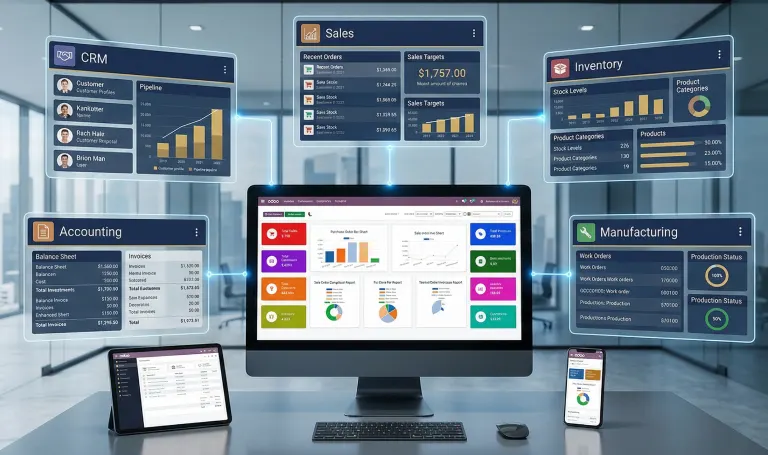
In the Ahmedabad polymer trading business we implemented for, the CA now receives a clean, reconciled data export from Odoo each month rather than spending 2-3 days cleaning Tally data. GST filing time reduced from a half-day exercise to under 2 hours.
Light Manufacturing, Blending and Repackaging in Odoo
Many polymer traders do more than pure buy-sell. Repackaging (25kg bags to 50kg bags, or vice versa), blending (mixing grades to meet a specific specification), or basic processing (grinding, pelletising recycled material) — these activities happen in a grey zone that most accounting systems cannot handle cleanly.
Odoo's manufacturing module handles this through Bills of Materials (BOM) and production orders. For a polymer trader this looks like:
Repackaging
A BOM is configured for the finished product (e.g. 50kg HDPE bags) showing the input (bulk HDPE, loose) and the packaging material (empty bags, labels). A production order is raised, input consumption recorded at the actual weight used, and the finished goods are added to stock at their actual cost. Wastage — inevitable in any repackaging operation — is tracked as a variance and can be monitored over time.
Blending / Compounding
A BOM for the blended grade specifies the recipe: base polymer percentage, additives, colour masterbatch. When a production order is completed, Odoo deducts each input at its recorded cost and creates the finished blended product at a weighted average cost. If the blend fails quality and is reworked, the additional input consumption is recorded against the same production order.
Lot and Batch Tracking
For polymer grades where traceability matters — particularly when selling to manufacturers who need to document their input materials — Odoo's lot tracking records which supplier lot/batch each input came from and links it to the finished goods batch and ultimately to the customer invoice. Full traceability from supplier to buyer in a single audit trail.
Where AI and Automation Go Further
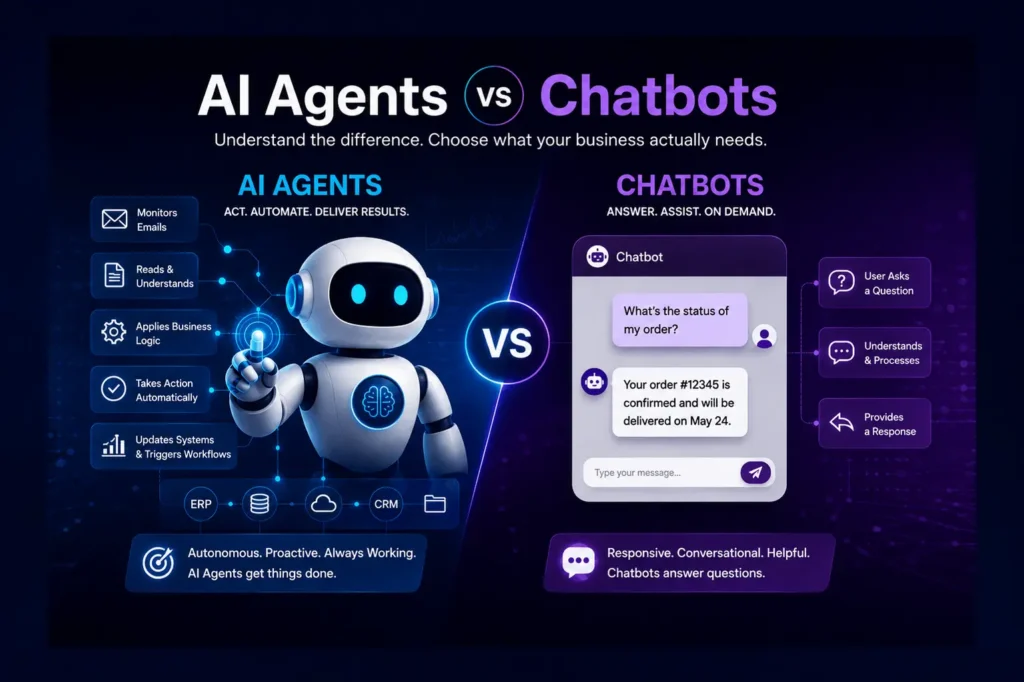
Odoo handles the transaction layer — recording what happens, calculating correctly, generating the right documents. AI and workflow automation go one level further: they handle the initiation of actions that currently require a human to start them.
For a polymer trading business, the highest-impact automation targets are the ones that happen dozens of times a day, every day, with a predictable structure.
WhatsApp Inquiry to Quotation — Deployed in Ahmedabad
The most significant automation we have deployed for a polymer trading business is a WhatsApp inquiry processing agent. The business receives a high volume of B2B inquiries via WhatsApp from distributors and manufacturers.
The agent monitors the WhatsApp Business inbox. When an inquiry arrives, it reads the message using an LLM, extracts the product grade, quantity, delivery location and any special requirements. It queries Odoo for the current price list and available stock. It generates a formatted quotation PDF and sends it back to the buyer — within minutes of the original message arriving, regardless of time of day.
- Inquiry received on WhatsApp at any hour — agent reads and processes immediately
- Grade, quantity, delivery requirement extracted from natural language message
- Live price list queried from Odoo — rate always current, no manual check needed
- Formatted quotation PDF generated and sent back on WhatsApp
- Inquiry and quotation logged automatically in Odoo CRM
- Sales team reviews and confirms — they no longer build quotations from scratch
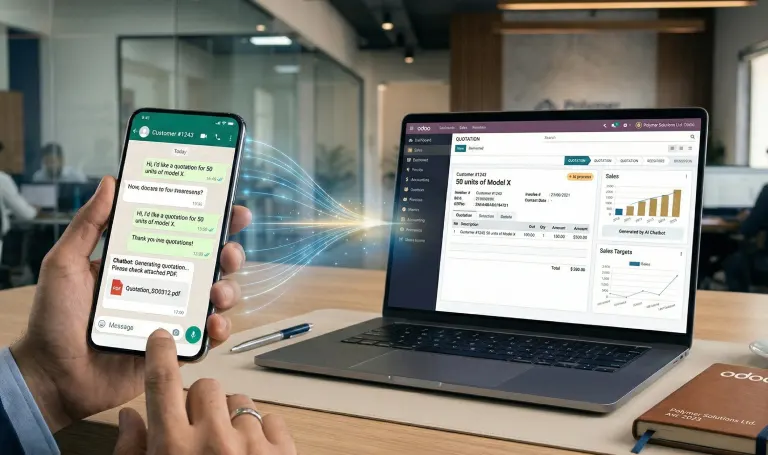
Before this was deployed, the sales team spent the first two hours of every morning working through overnight WhatsApp inquiries, building quotations manually. Today, those quotations are already done before the team arrives. The sales team focuses on confirmation and negotiation — the high-judgment work.
Automated Payment Reminder Sequence
Overdue payment follow-up in trading businesses is typically done manually — someone checks the outstanding list, identifies overdue accounts, and sends a message or makes a call. It gets done when there is time, which means it does not get done consistently.
In Odoo, an automated sequence is configured: a WhatsApp reminder at 7 days overdue, a formal email at 14 days, an internal alert to the owner at 21 days, and automatic order hold at 30 days. The follow-up happens consistently, without anyone remembering to do it.
Price List Auto-Update
Polymer prices move daily or weekly based on feedstock costs. When a supplier sends an updated rate list, the sales team needs to update their quotation basis immediately — a delay means quoting at the wrong rate.
An automation workflow watches for the supplier rate communication (email or structured message), extracts the updated rates, and updates the Odoo price list. The sales team receives a notification confirming the update. No manual price list maintenance.
Reorder Point Automation
For stock items where the business carries inventory, Odoo's reorder rules trigger a purchase indent automatically when stock drops below the defined level. For a polymer trader with predictable volume in key grades, this eliminates the manual stock-checking cycle that typically happens ad-hoc when someone notices stock is low.
Moving from Tally to Odoo — The Honest Picture
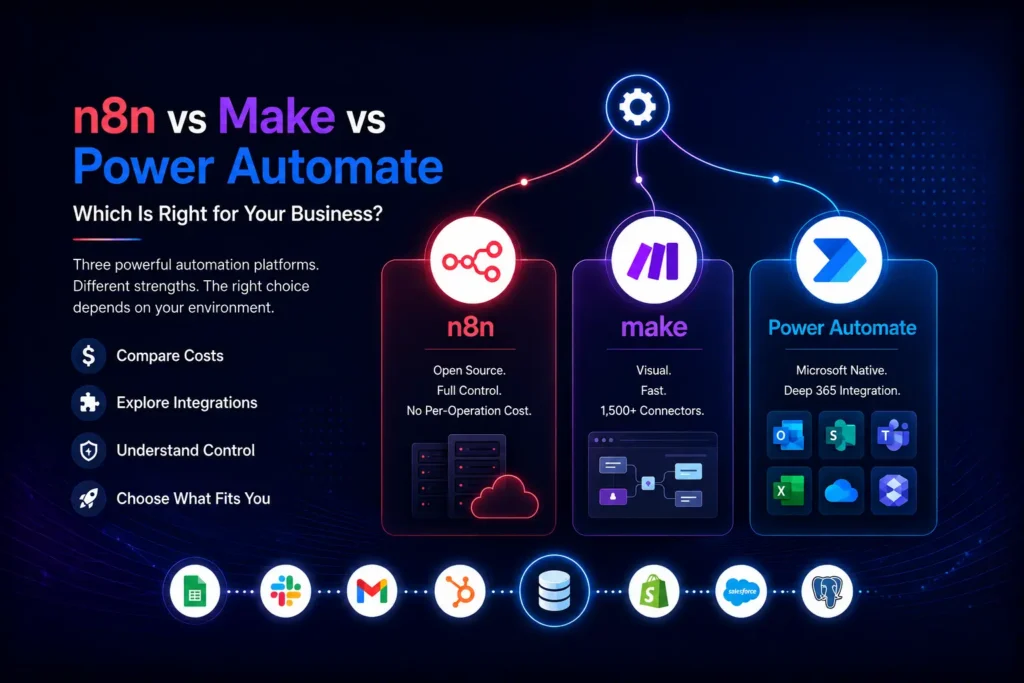
Tally is deeply embedded in Indian trading businesses. It does accounting well, it is tax-compliant, and most CAs know it. The decision to move to Odoo is not about replacing Tally's accounting capability — it is about replacing everything that Tally cannot do: operations, inventory, order management, CRM, automation.
Why the Migration Makes Sense
- Tally records transactions. Odoo manages the operations that generate them — there is no operational equivalent in Tally for inquiry management, quotation, sale order, purchase order or production tracking
- Real-time stock visibility is not available in Tally without significant add-on complexity. In Odoo it is built in
- GST compliance in Odoo is more reliable — tax logic built into the transaction rather than applied retrospectively at the accounting stage
- Every department sees the same data in real time. The owner does not need to call the warehouse to check stock or call accounts to check a buyer's outstanding
- The AI and automation capabilities described in Section 5 are not possible on a Tally-based stack
What the Migration Involves
A Tally to Odoo migration for a polymer trading business typically involves:
- Opening balances from Tally — customer and supplier ledger balances, bank balances, stock valuation — migrated to Odoo as the starting point
- Master data — customer and supplier records, product catalogue with HSN codes, price lists — set up in Odoo before go-live
- Historical transaction data — the last 2-3 years of invoices and purchases can be migrated for reference, or kept in Tally as an archive system accessed when needed
- GST continuity — the business typically goes live on Odoo at the start of a new financial year or a new quarter to simplify GST reconciliation across the transition period
- Parallel run — running Tally and Odoo simultaneously for 4-6 weeks is recommended, entering key transactions in both systems until the team is confident in Odoo
What Tally Is Still Used For — Honestly
In the transition period, some businesses retain Tally access for historical reference. Their CA may continue to use Tally for income tax filings where the format is familiar. Over time, as confidence in Odoo builds, Tally is typically retired to archive-only status.
The goal is not to force an abrupt cutover. It is to ensure that Odoo is the operational system of record from day one — and that the team trusts it enough to make decisions from it.
The businesses that get the most from the migration are the ones who commit to Odoo as the operational system from go-live — not the ones who maintain parallel systems indefinitely. The parallel run is a confidence-building phase, not a permanent arrangement.
What Changes After Go-Live — A Practical Picture
Six months after go-live, a polymer trading business running on Odoo looks different in specific, measurable ways.
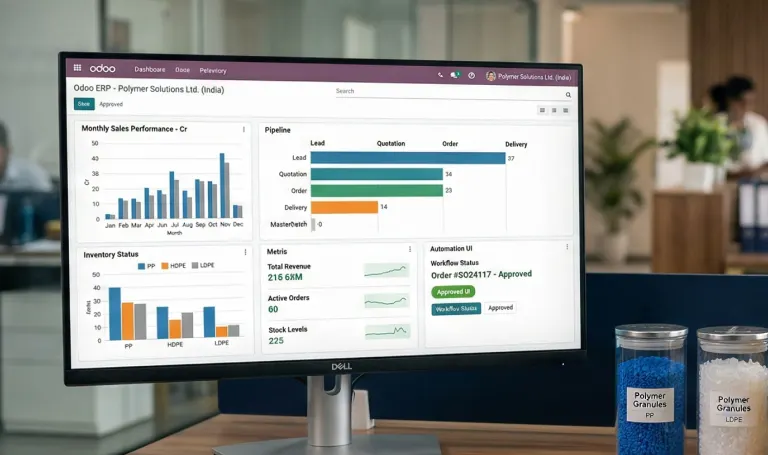
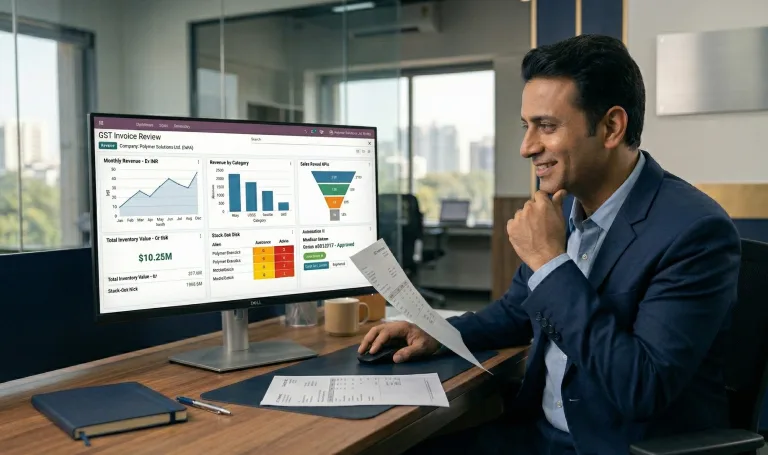
- The owner opens the Odoo dashboard — not WhatsApp — to understand the state of the business. Outstanding receivables, stock positions, pending purchase orders, unconfirmed quotations. All in one screen.
- The sales team spends less time building quotations and more time following up and closing. The WhatsApp agent handles the first response. The team handles the relationship.
- Payment follow-up is automated. The monthly outstanding chase — previously a half-day exercise — now generates automatic reminders. The team only intervenes when a buyer does not respond to three automated touchpoints.
- GST filing is no longer a quarterly scramble. The data is clean in Odoo throughout the month. The CA reviews and files — the preparation work is already done.
- Stock discrepancies are caught immediately, not discovered during a quarterly physical count. The gap between book stock and physical stock shrinks significantly in the first 90 days.
- New staff can be productive faster. The process is in the system — they do not need to learn one person's Excel file or WhatsApp convention.
Frequently Asked Questions
Can Odoo completely replace Tally for GST filing?
Yes. Odoo handles GSTR-1, GSTR-3B and GSTR-2B reconciliation natively. e-Invoicing to the IRP and e-Way bill generation are also built in. Most businesses we have migrated have retired Tally for all new transactions within 6-12 months of go-live. Some retain Tally as a historical archive.
Does Odoo handle the specific product attributes of polymer trading — grade, MFI, density, packaging?
Yes. Odoo’s product variants system handles multiple attributes per product. You can configure grade, melt flow index, density, colour and packaging as variant attributes — each combination generating a distinct product line with its own pricing, stock and HSN code.
How do we handle buying in MT and selling in KG?
Odoo supports unit of measure conversions with a defined conversion ratio. You receive stock in metric tonnes and it converts automatically to kilograms for sales. The system handles the inventory valuation and costing across the unit conversion correctly.
We buy from international suppliers in USD. Can Odoo handle multi-currency?
Yes. Purchase orders and supplier invoices can be raised in USD or any currency. Odoo records the INR equivalent at the exchange rate on the transaction date, handles forex gain/loss at the time of payment, and produces GST-compliant rupee invoices for domestic sales regardless of the input currency.
What happens to our existing Tally data during migration?
Tally data is not deleted — it is retained as a historical archive. Opening balances, master data (customers, suppliers, products) and recent transaction history are migrated to Odoo. The exact scope of historical migration depends on your requirement — we typically recommend migrating the current financial year’s transactions and retaining older data in Tally for reference.
How long does an Odoo implementation take for a polymer trading business?
A standard implementation covering CRM, Sales, Purchase, Inventory, Accounting and GST typically runs 8-10 weeks from discovery to go-live. If light manufacturing (BOM, production orders) and AI automation (WhatsApp inquiry agent, payment reminders) are included, the timeline extends to 12-14 weeks.