
Table of contents
- What Odoo 19 AI Gives You — And What You Do With It
- The Right Question: Which Workflows Should Odoo 19 AI Handle First?
- There Are Three Layers to Odoo AI. Most Businesses Only Reach the First One.
- What Each Layer Looks Like in a Real Business
- Four Questions to Answer Before You Configure Odoo 19 AI
- Odoo 19 Opens the Door. Configuration Walks You Through It.
- Frequently Asked Questions
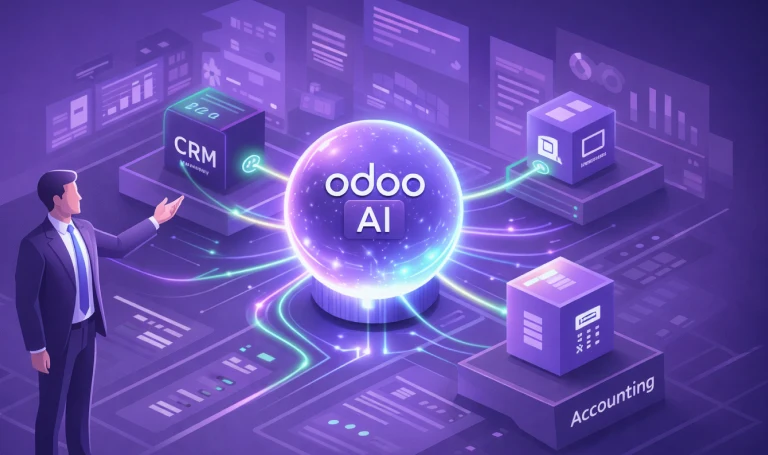
Odoo 19 marks a genuine milestone for enterprise AI. Natural language server actions, AI agents embedded across every module, intelligent document processing, meeting transcription, semantic search — these capabilities represent a meaningful step forward in how ERP platforms support business operations.
For businesses running Odoo, the opportunity is significant. The next question is a practical one: how do you configure these capabilities to deliver the most impact for your specific operation, your industry, and your workflows?
What Odoo 19 AI Gives You — And What You Do With It
Odoo 19 embeds AI across every module. Here is what each capability does — and what it looks like in practice.
- AI Server Actions — automate workflows using plain language. A finance team types "Send payment reminder to all accounts with invoices overdue by more than 30 days" — Odoo creates and sends the emails without opening a single record. No developer required, no rule-building, no configuration beyond the prompt.
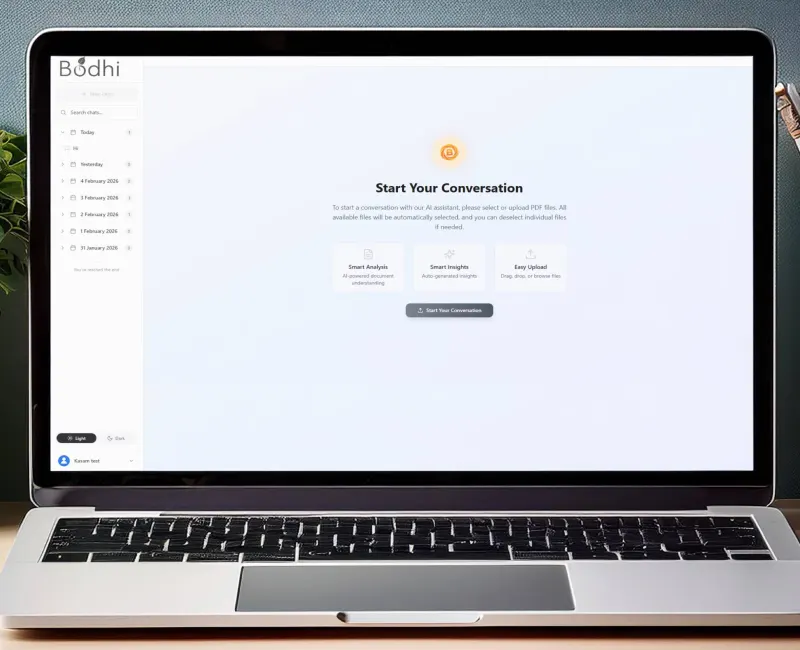
- AI Agents — are configurable assistants that can answer questions and perform actions inside your live system. A sales manager asks "How many open opportunities do we have above 80% probability this quarter?" — the agent pulls the answer from live CRM data in seconds, without a single filter or report being opened.
- AI Fields in Studio — generate content dynamically based on other record values. A product manager adds a new SKU — Odoo auto-generates the product description based on category, specifications and previous similar products, ready to review and publish in one click.
- Document Intelligence — reads invoices, purchase orders, receipts and scanned files without manual input. A supplier invoice arrives by email — Odoo reads the vendor name, line items, amounts and due date, creates the bill and matches it to the corresponding purchase order automatically.
- Natural Language Search — lets your team query the ERP in plain English. A warehouse operator types "Show me all stock below reorder level in the Delhi warehouse" — no filters, no dropdown navigation, instant structured result.
- Meeting Transcription and Summaries — work across CRM, Projects, Accounting and every other module. A sales call ends — Odoo generates a structured summary with key discussion points, agreed next actions and the follow-up date, logged directly against the CRM record.
As an Odoo partner, we have seen what these capabilities do when properly configured. Version 19 represents a genuine step change in what is possible for our clients across every industry we serve.
The Right Question: Which Workflows Should Odoo 19 AI Handle First?
Odoo 19's AI is designed to work for any business. The capabilities are broad by design — and that is a strength. The question worth asking is not whether to use them, but which of your specific workflows will benefit most from being configured around them.
Three industries illustrate how different that answer looks in practice.
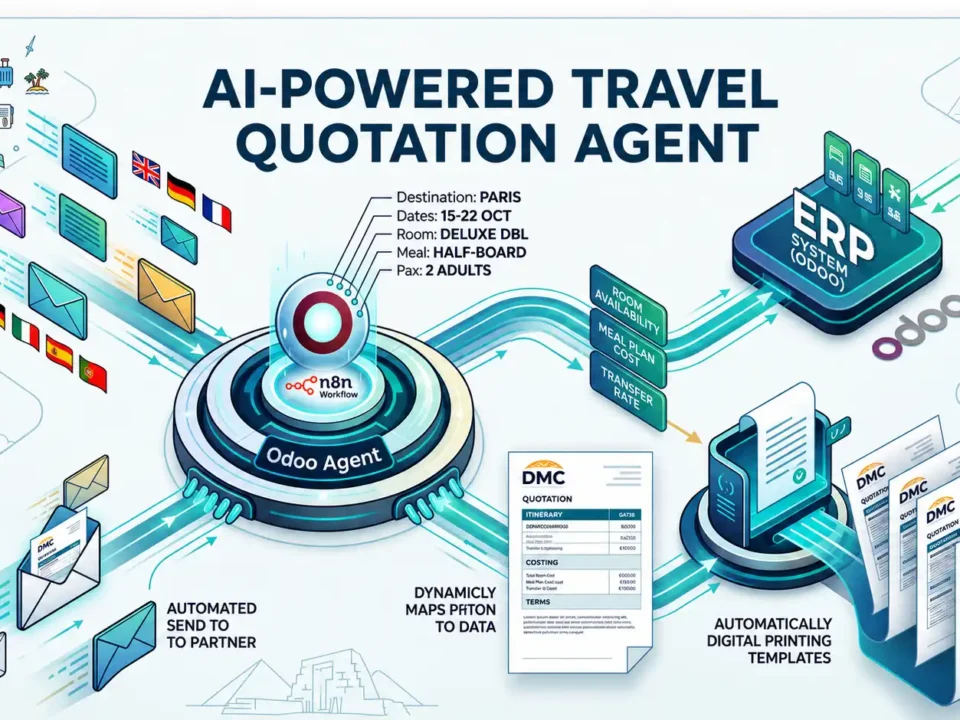
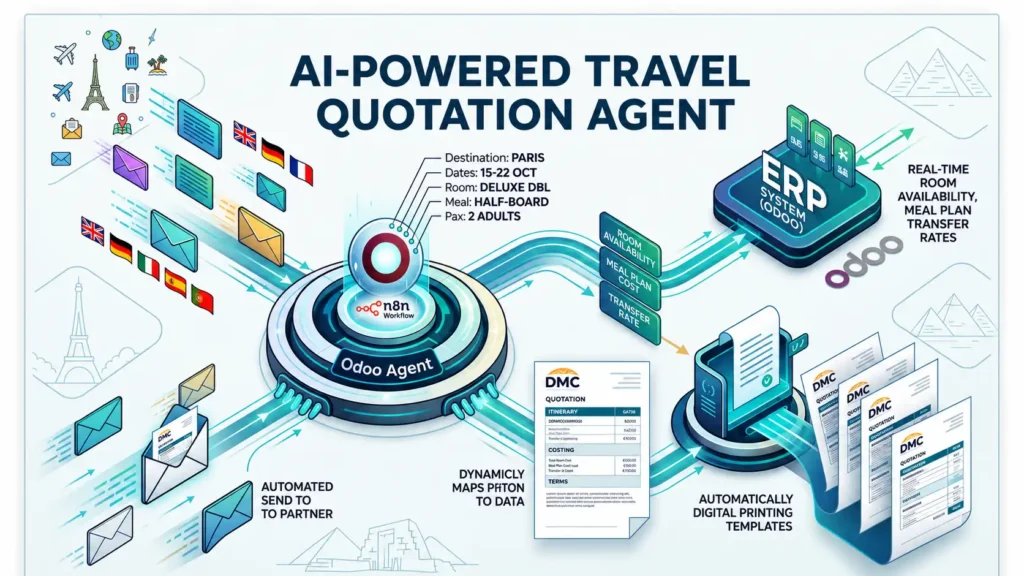
A travel DMC handling sixty B2B enquiry emails every morning has an immediate, high-value target: the quotation workflow. Each enquiry carries destination, dates, passenger count, room type, meal plan and special requests. Each requires those parameters mapped against live contracted supplier rates and formatted into a quotation. That is a structured, repeatable process — exactly what AI configuration is built for. With the right setup, every inbound enquiry becomes a formatted quotation in under three minutes, with no human building it manually.
A fintech lender processing new customer applications has a different priority: KYC review. Each application arrives with uploaded identity documents that must be read, cross-referenced against compliance requirements and risk-categorised before being routed to a reviewer. Configured correctly, that entire intake process runs continuously and automatically — every application reviewed and routed the moment it arrives.
A wholesale distributor managing hundreds of SKUs has a procurement challenge: stockouts that happen because purchase orders are raised reactively rather than predictively. With AI configured to read sales velocity, factor in supplier lead times and draft purchase orders ahead of need, the business moves from firefighting to forward planning.
The platform is the same in all three cases. What makes it powerful is knowing where to point it.
There Are Three Layers to Odoo AI. Most Businesses Only Reach the First One.
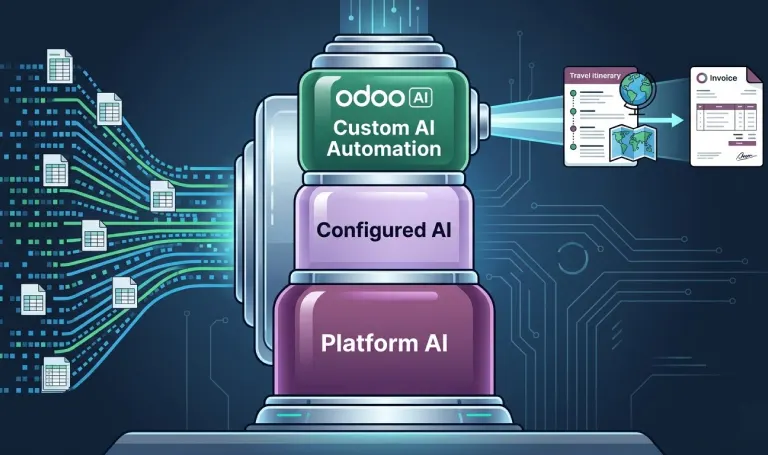
Think of Odoo AI not as a single feature but as a foundation with three distinct layers. Each layer is more specific, more powerful, and more impactful than the one before it.
Layer 1 — Platform AI
This is what Odoo 19 gives you out of the box. Generic, horizontal, user-facing. AI that helps any business in any industry do common tasks faster — write emails, summarise documents, assign tasks, transcribe meetings, search records. Valuable. Worth activating.
In practice: a finance team uses Odoo's AI agent to draft payment reminder emails and categorise incoming bank transactions. A sales team uses natural language search to pull
pipeline reports without building a single filter. These are real efficiency gains — typically saving two to three hours a week per team within the first month.
Layer 2 — Configured AI
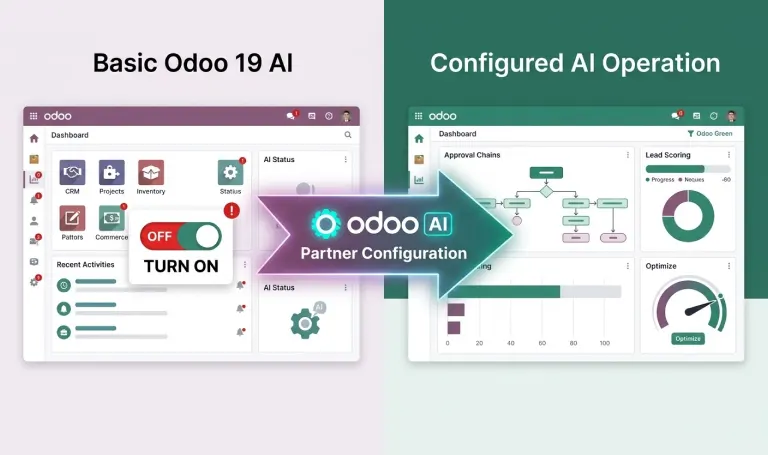
This is where an experienced Odoo partner adds significant value. Odoo 19's AI server actions and agents are configured around your specific workflows — your approval chains, your pricing rules, your team structure, your compliance requirements. You are using Odoo's native AI capability, but directed precisely at how your business operates.
In practice: a logistics company configures AI server actions so that every lead above a defined deal value is automatically scored, assigned to a senior sales representative and logged with a follow-up task — without anyone manually touching the record. The workflow runs on every new lead, automatically, from day one of go-live.
Layer 3 — Custom AI Automation
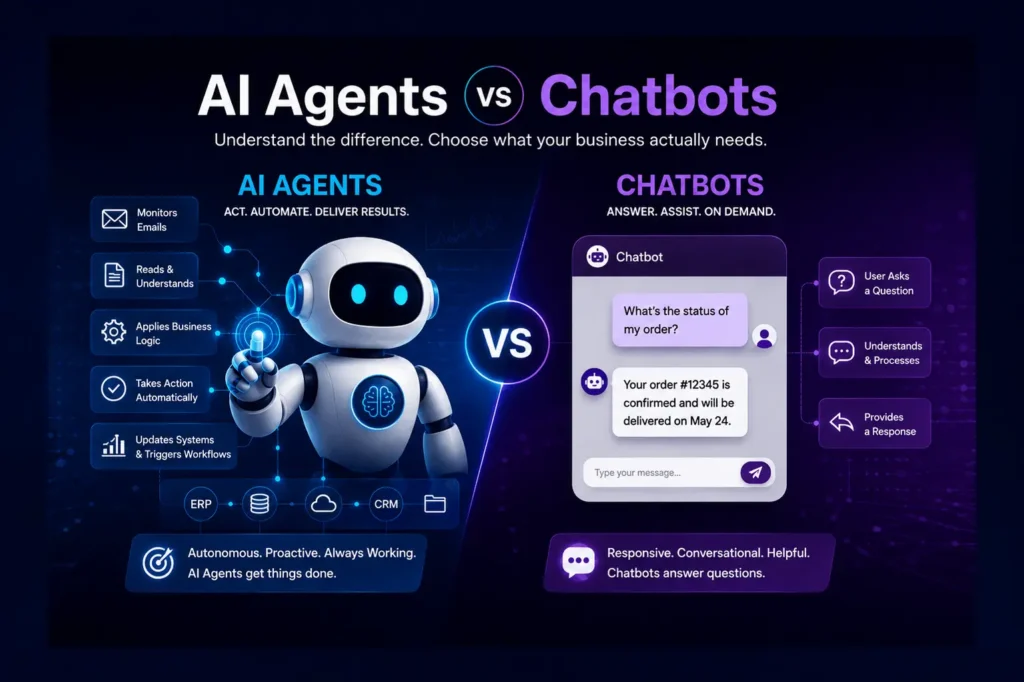
This is where industry-specific AI agents run autonomously — without a user prompt, without manual triggering, without someone at a screen directing the system. These are custom AI applications built natively on top of Odoo's architecture, trained on your data, connected to your live operational systems, and designed to execute a specific high-volume workflow end to end.
In practice: the Email-to-Quote Agent we build for travel DMCs monitors an inbox, reads every inbound B2B enquiry, extracts all booking parameters, pulls live pricing from your ERP rate cards, generates a formatted quotation in your branded template, and routes it for one-click approval — twenty-four hours a day, seven days a week. A DMC handling 50+ daily enquiries moves from a 45-minute manual quotation process to under 3 minutes, with no human involved until the approval step.
Layer 1 delivers efficiency. Layer 2 delivers workflow alignment. Layer 3 delivers operational transformation — a specific, high-volume process that runs itself.
What Each Layer Looks Like in a Real Business
The three layers play out differently depending on the industry. Here is exactly what that looks like across the three sectors we work with most — and what the operational outcome is at Layer 3.
Travel DMCs
| Layer 1 — Odoo 19 Native | Layer 3 — Custom AI Automation |
|---|---|
| AI drafts reply emails to partner enquiries faster | Reads every inbound B2B enquiry email |
| Summarises chatter on active deals | Extracts all booking parameters automatically |
| Assigns enquiries to sales staff by rules | Applies live contracted rates from your ERP |
| Generates formatted quotation in your template | |
| Under 3 minutes. No human input required. |
Real outcome: DMCs handling 50+ daily enquiries have reduced quote turnaround from 45 minutes to under 3 minutes — with no additional headcount and no change to the approval process.
Fintech and Lending
| Layer 1 — Odoo 19 Native | Layer 3 — Custom AI Automation |
|---|---|
| Summarises customer records in CRM | Reads uploaded KYC identity documents |
|
Accounting AI reads and categorises bank statements |
Cross-references against compliance rules |
| Suggests next actions on open deals | Categorises risk level automatically |
| Routes each case to the correct reviewer | |
| Runs continuously as applications arrive. |
Real outcome: Lending operations processing 100+ applications a week have moved from batch end-of-day KYC review to continuous real-time routing — reducing average application processing time from 24 hours to under 2 hours.
Manufacturing and Wholesale
| Layer 1 — Odoo 19 Native | Layer 3 — Custom AI Automation |
|---|---|
|
Generates purchase order descriptions on request |
Reads sales velocity patterns across SKUs |
|
Natural language inventory search for warehouse teams |
Cross-references supplier lead times |
| Reorder alerts when stock drops below threshold | Factors seasonal demand variables |
| Drafts purchase orders automatically | |
| Before the stockout. Not after. |
Real outcome: Wholesale distributors have eliminated reactive emergency purchasing by shifting to AI-driven demand forecasting — drafting purchase orders 2 to 3 weeks ahead of need based on live sales velocity and supplier lead time data.
Four Questions to Answer Before You Configure Odoo 19 AI
If you are planning an Odoo 19 upgrade or a new implementation, these four questions are worth working through before configuration begins. The answers will tell you exactly where to focus first.
Question 1. Which workflows in your business are currently most manual and most repeatable?
The best automation targets are high-frequency tasks that follow a predictable pattern every time. If your team does the same thing fifty times a day using the same information in the same sequence, that workflow is a strong candidate for Layer 2 or Layer 3 automation.
Example: For a travel DMC, reading and responding to B2B enquiry emails — the same structured process, 50 to 100 times a day. For a wholesale distributor, raising purchase orders for fast-moving SKUs — the same calculation performed manually every week.
Question 2. Where does your team lose the most time to tasks that do not require human judgment?
There is an important distinction between tasks that require expertise and tasks that require effort. AI should take on the effort — freeing your team to apply the expertise where it actually matters.
Example: For a fintech lender, manually uploading KYC documents into a compliance checklist is effort-heavy and judgment-light. The expertise is in the credit decision. The intake process that precedes it is the automation opportunity.
Question 3. What data already lives inside your Odoo environment that an AI agent could learn from?
The quality of your AI output is directly tied to the quality of your data input. Before configuring AI agents, audit what is actually in your system — your pricing rules, your supplier data, your customer records, your historical transactions.
Example: Three years of sales orders, supplier contracts and customer rate cards already structured inside Odoo. That is exactly the dataset an AI agent needs to generate accurate purchase order drafts or quotation pricing — without any external data source required.
Question 4. Which single automation, if it existed today, would have the most immediate impact on your team's capacity?
Do not try to automate everything at once. Identify the single highest-impact workflow — the one that, if handled automatically, would most immediately free your team and improve your response times. Start there. Prove the value. Then expand.
Example: For a wholesale distributor, automating purchase order drafting would free the procurement team from reactive firefighting entirely — giving them time for supplier negotiation, relationship building and strategic planning instead.
Odoo 19 Opens the Door. Configuration Walks You Through It.
Odoo 19 is the most AI-capable version of the platform ever built. As an Odoo partner, that genuinely excites us — because it means the foundation we build on for our clients is stronger than it has ever been.
The businesses that will get the most from it are not the ones who switch it on and wait. They are the ones who invest time in understanding which of their workflows the platform can handle at Layer 1, which need expert configuration at Layer 2, and which are candidates for the kind of industry-specific custom automation that runs their operation while their team focuses on the work that actually requires human expertise.
That is the difference between having AI in your ERP and having an ERP that works like an intelligent operation.
Frequently Asked Questions
What AI features are included in Odoo 19?
Odoo 19 includes AI server actions for natural language workflow automation, AI agents that can perform actions across modules, AI fields in Studio for dynamic content generation, document intelligence for OCR and data extraction, natural language search, and meeting transcription and summarisation. Most advanced AI features require Odoo Enterprise edition.
Do I need a developer to use Odoo 19 AI?
Layer 1 features — AI agents, natural language search, email drafting, meeting summaries — require no development. Layer 2 configuration typically requires an experienced Odoo partner. Layer 3 custom AI automation requires both Odoo expertise and AI development capability.
What is the difference between Odoo 19 AI agents and custom AI automation?
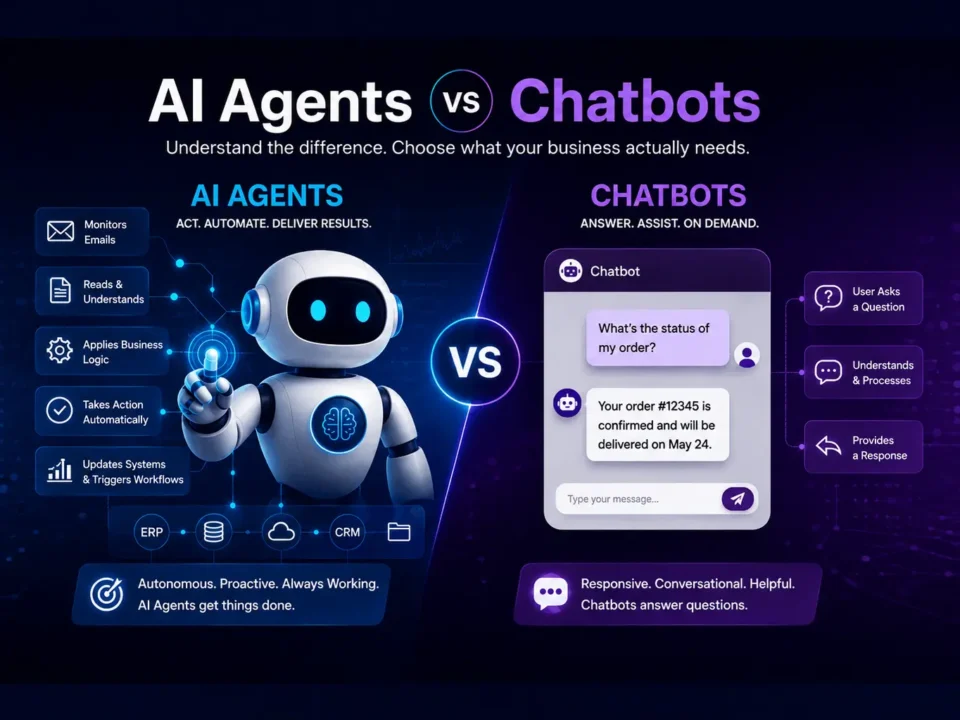
Odoo 19 AI agents are user-facing assistants — they respond to prompts, draft content, update records. Custom AI automation runs autonomously without a user prompt, executing specific high-volume operational workflows end to end. The Email-to-Quote Agent is an example — it reads emails, extracts data, applies pricing rules and generates quotations with no human input until the approval step.
How long does it take to configure Odoo 19 AI for a specific industry?
Layer 1 activation is immediate. Layer 2 configuration typically takes four to six weeks as part of a broader implementation. Layer 3 custom automation projects run eight to twelve weeks from discovery to go-live.
Is Odoo 19 AI available in the Community edition?
Most advanced AI features — including AI agents, AI fields in Studio, and AI server actions — are Enterprise-only. Community edition users will have limited or no access to these capabilities.