

Table of contents
- First — What Odoo ERP Actually Is
- The 7 Signs Your Business Needs an ERP
- SIGN 1 You Cannot Answer Basic Business Questions Without Calling Someone
- SIGN 2 The Same Data Is Being Entered in Multiple Places
- SIGN 3 You Have Had at Least One Expensive Rate Error in the Last Six Months
- SIGN 4 Month-End Is Consistently a Scramble
- SIGN 5 GST Compliance Is Taking More Time Than It Should
- SIGN 6 You Cannot See the State of Your Business Without Asking
- SIGN 7 New Staff Take Months to Become Productive
- When You Do NOT Need an ERP — The Honest Answer
- The Right Question Before You Start
- Frequently Asked Questions
- How do I know if my business is the right size for ERP?
- Can we keep using Tally and add ERP on top of it?
- How long does an ERP implementation take for a trading or manufacturing business?
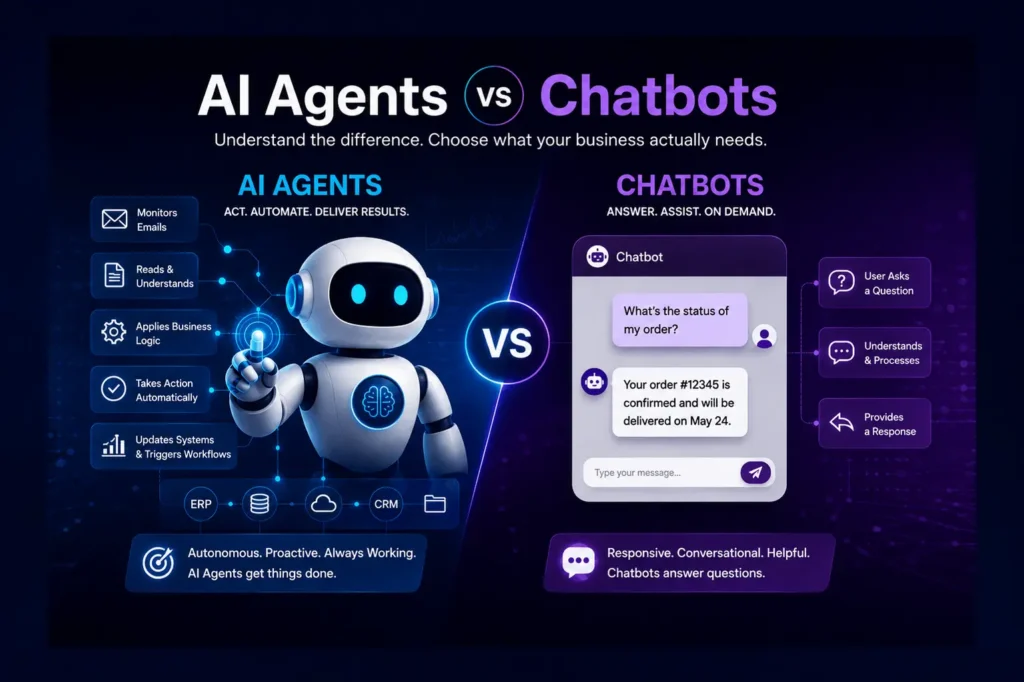
- What is the difference between ERP and the automation we already have?
- We tried ERP before and it did not work. Why would this time be different?
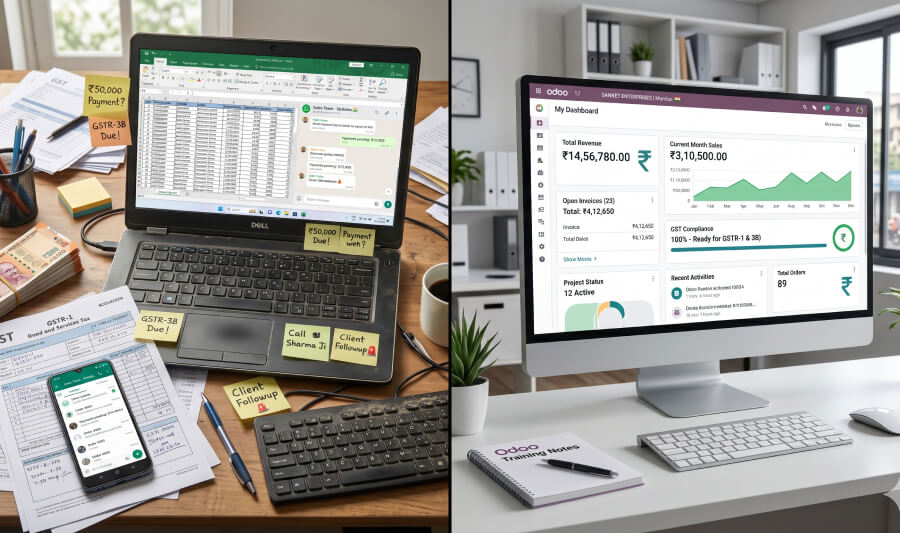
No business owner wakes up thinking 'I need an ERP.' That is not how the decision arrives.
It arrives as a wrong rate quoted to a buyer. As a stock figure nobody can confirm without a phone call. As a month-end that takes five people three days to close. As a CA who spends more time cleaning data than analysing it. As an owner who is the only person in the company who knows where everything is — and cannot take a day off without something going wrong.
These are not people problems or team problems. They are system problems. And they are the exact problems that an ERP is designed to solve.
This article is written for business owners and operations leaders at growing companies in India — manufacturing, trading, distribution — who are running on a combination of Tally, Excel and WhatsApp, and are starting to feel the strain. It is not a guide on which ERP to choose. It is a practical framework for knowing when to implement ERP — and for recognising the specific signs that indicate your current system is costing you more than an ERP for growing business India would.
First — What Odoo ERP Actually Is
Enterprise Resource Planning sounds like large-company technology. It is not. An ERP is simply a single, connected system that manages your business operations — sales, purchase,
inventory, manufacturing, accounting, compliance — in one place, with live data that every department can see.
For most growing businesses in India, ERP replaces a combination of Tally for accounting, Excel for everything operational, and WhatsApp for communication. The transformation is not about adding complexity. It is about removing the disconnect between systems that currently forces your team to re-enter the same information multiple times and your management to ask people for data rather than reading it from a screen.
The 7 Signs Your Business Needs an ERP
SIGN 1 You Cannot Answer Basic Business Questions Without Calling Someone
What it looks like: How much stock do we have of product X? Call the warehouse. What is outstanding from buyer Y? Call accounts. Did order Z get dispatched? Call logistics. When every answer to a management question requires a phone call, your information is not in a system — it is in people's heads.
Why it happens: In businesses running on disconnected systems, each department maintains its own records. Warehouse has a physical register. Accounts has Tally. Sales has an Excel sheet. None of them are connected. The same transaction is recorded in three places by three people — and the numbers rarely match perfectly.
What ERP does: ERP creates a single source of truth. Stock levels update in real time when goods are received or dispatched. Outstanding receivables are visible on a dashboard without calling anyone. Every department sees the same live data. The owner can look at the business status at any moment without asking.
SIGN 2 The Same Data Is Being Entered in Multiple Places
What it looks like: An order is confirmed on WhatsApp. Someone enters it in Excel for tracking. Someone enters the invoice in Tally. Someone enters the dispatch in a register. Four people, four entries, same information — each with a small chance of being slightly different from the others.
Why it happens: For any ERP for trading business India deployment, this is the most universal pain point. Disconnected systems have no way to share information automatically. Every handoff between departments is a manual re-entry. This is not a discipline problem — it is what the system requires. When there is no integration, duplication is the only way to get information from one system to another.
What ERP does: ERP eliminates re-entry by design. A sale order created in the system automatically drives the purchase indent, the dispatch, the invoice and the accounting entry. Each piece of information is entered once and flows through every subsequent step automatically. The scope for data entry errors shrinks dramatically.
SIGN 3 You Have Had at Least One Expensive Rate Error in the Last Six Months
What it looks like: A quotation sent with yesterday's rate rather than today's. A purchase order raised at the wrong price. A margin calculation based on an outdated cost. The sale is made, the commitment is given, and the error surfaces when the invoice is raised or the payment is received.
Why it happens: This is one of the clearest signals of when to implement ERP. In businesses managing rates through WhatsApp supplier messages and manually updated Excel price lists, rate errors are a system failure, not a human one. When the current rate is not in the system that generates the quotation, the only protection against errors is human vigilance — which is not a reliable control.
What ERP does: ERP holds the live price list, the contracted supplier rates and the margin rules in one place. When a quotation is generated, it pulls the current rate automatically. When a supplier updates their rate in the system, every quotation from that point forward uses the new rate. Rate errors become structurally impossible rather than merely unlikely.
SIGN 4 Month-End Is Consistently a Scramble
What it looks like: The last week of every month involves reconciling purchase orders against invoices, matching physical stock to book stock, preparing GST data for the CA, chasing outstanding payments and resolving discrepancies that nobody noticed during the month. It takes more time and more people than it should.
Why it happens: When accounting, operations and compliance run on separate systems, month-end is the moment all three have to be reconciled. Every discrepancy between Tally and the physical register, between the Excel purchase tracker and the actual invoices, has to be investigated and resolved manually. The work that a connected system would have prevented accumulates until the month close forces it to be addressed.
What ERP does: ERP closes this gap by keeping accounting and operations in sync throughout the month, not just at the end of it. GST data is generated from the invoices already in the system. Stock reconciliation is continuous rather than periodic. Month-end becomes a review rather than a recovery.
SIGN 5 GST Compliance Is Taking More Time Than It Should
What it looks like: The CA spends significant time every quarter receiving data from Tally, cleaning it, reconciling it against purchase records and GSTR-2B, identifying mismatches, and then filing. The process is time-consuming, the data is unreliable and the cost of CA time is consistently higher than it needs to be.
Why it happens: Tally is an accounting system, not a compliance system. It records transactions accurately but does not natively handle e-invoicing to the IRP, e-way bill generation, or GSTR-2B reconciliation. These are separate manual steps that someone has to complete for every qualifying transaction — often by logging into government portals separately and re-entering information that is already in Tally.
What ERP does: Odoo ERP handles Indian GST compliance natively — e-invoicing to the IRP is triggered from the invoice itself, e-way bill is generated from the dispatch, and GSTR-1, GSTR-3B and GSTR-2B reconciliation data is produced directly from the system. CA time shifts from cleaning and reconciling to reviewing and filing.
SIGN 6 You Cannot See the State of Your Business Without Asking
What it looks like: The owner manages by exception — finding out what went wrong when someone reports it, rather than seeing potential problems before they become expensive. Cash flow position is not visible without a call to accounts. Stock levels are not visible without a call to the warehouse. Overdue receivables are not visible without running a Tally report.
Why it happens: Tally produces reports, but they require someone to generate them on demand. Excel trackers are accurate only at the moment they were last updated. WhatsApp provides updates only when someone decides to send one. In a disconnected system, the owner's information is always lagged, always incomplete and always dependent on someone else's initiative.
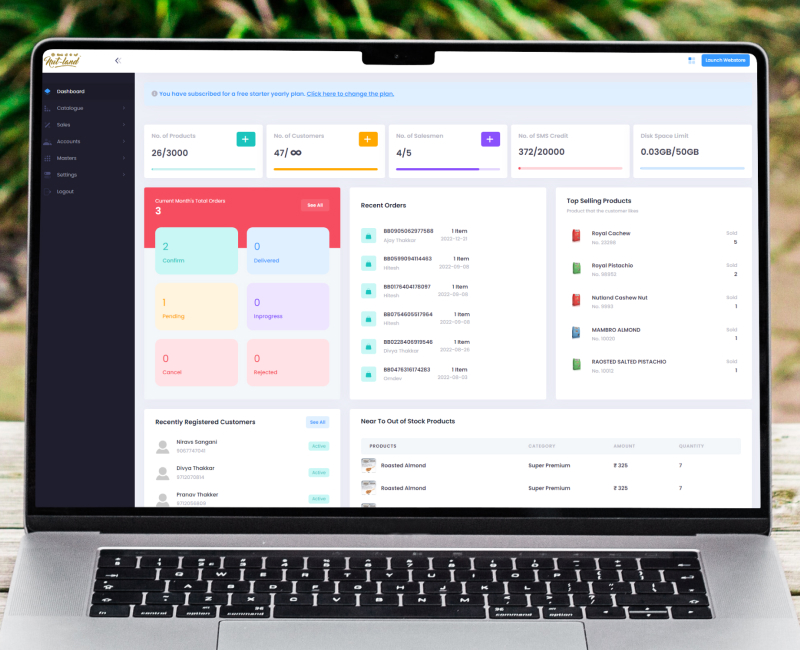
What ERP does: ERP gives the owner a live management dashboard — outstanding receivables aged by days overdue, current stock by product and location, pending orders not yet dispatched, overdue purchase orders, today's collection target. Every metric is live, visible without asking and actionable without a phone call.
SIGN 7 New Staff Take Months to Become Productive
What it looks like: Every new sales person needs to learn the Excel quotation template, the WhatsApp convention for order confirmation, the person to call for stock checks and the Tally entry format for invoices. The process lives in people's heads and in informal practices, not in a system. Knowledge walks out of the company every time someone leaves.
Why it happens: Informal systems — Excel files, WhatsApp workflows, verbal conventions — are entirely personal. They require direct training from the person who built them. There is no system to guide a new user through the correct process, no validation to catch errors, and no record to refer back to when something goes wrong six months after the person who set it up has moved on.
What ERP does: This is the compounding benefit of ERP for growing business India operations. ERP embeds the process in the system itself. A new sales person raises a quotation in Odoo — the system applies the current price list, validates the margin, routes for approval if required and generates the PDF automatically. The process is the system. New staff become productive in days, not months, because the system guides them through every step.
| Sign | Rarely | Sometimes | Often |
|---|---|---|---|
| Need to call someone for basic business information | |||
| Same data entered in multiple systems | |||
| Rate errors in quotations or purchase orders | |||
| Month-end reconciliation takes too long | |||
| GST compliance is painful and time-consuming | |||
| Cannot see business status without asking | |||
| New staff take months to become productive |
For any ERP for growing business India decision — if you ticked 'Often' for 3 or more signs — your current system is costing you measurably more than an ERP would. For any ERP for growing business India decision — if you ticked 'Often' for 5 or more — the cost of waiting is higher than the cost of implementation.
When You Do NOT Need an ERP — The Honest Answer
Not every business is at the right stage for ERP. Recommending ERP to a business that does not need it is as unhelpful as recommending it too late to one that does.
ERP for SME India is not a one-size-fits-all decision. ERP for trading business India looks different from ERP for a services company. ERP is likely premature if your business has fewer than 5 people, does simple buy-sell transactions with no inventory complexity, and your CA handles accounting on Tally without significant pain, and the Tally to ERP transition would create more disruption than it resolves. The right time for ERP is when the informal systems are creating real, measurable operational cost — in errors, delays, staff time on manual tasks, or information the owner cannot access without asking.
The honest test for any Odoo ERP evaluation: if you spent one week calculating the cost of your manual processes — staff time on re-entry, rate error losses, CA time on compliance preparation, orders that went wrong because of a miscommunication — and the total is higher than what an ERP implementation would cost over three years, the decision is straightforward.
The Right Question Before You Start
Most businesses approach the ERP decision by asking 'which system should we implement?' The more useful question is 'what is our current system actually costing us?'
Once you put real numbers on the manual work — staff hours on data re-entry, cost of rate errors, CA time on quarterly reconciliation, orders delayed or lost because of information gaps — the decision about whether to implement, and what to implement, becomes significantly clearer.
The choice between ERP editions — and between Odoo Community and Enterprise specifically — is a separate question that comes after this one.
The businesses that get the most from ERP implementation are not the ones with the most sophisticated requirements. They are the ones that were most honest about what their current system was actually costing them before they started.
Frequently Asked Questions
How do I know if my business is the right size for ERP?
Size is less important than complexity. A 10-person trading business with 200 active buyers, daily price changes and GST compliance requirements may need ERP urgently. A 50-person business with simple, consistent workflows and a well-managed Tally setup may not. The right trigger is operational pain — when the manual systems are consistently producing errors, delays or information gaps that cost the business money.
Can we keep using Tally and add ERP on top of it?
The Tally to ERP migration is less disruptive than most businesses expect. In practice, most businesses run Tally and ERP in parallel for 6-8 weeks during the transition — Tally for accounting continuity while the team becomes confident in the new system. Over time, as the ERP handles invoicing, GST compliance and accounting natively, Tally becomes an archive system accessed only for historical reference. The goal is one system, not two.
How long does an ERP implementation take for a trading or manufacturing business?
A standard implementation covering sales, purchase, inventory, accounting and GST compliance typically runs 8-10 weeks from discovery to go-live. If the scope includes AI automation — quotation agents, payment reminders, procurement automation — the timeline extends to 12-14 weeks. Go-live is planned for a slow period and a parallel run ensures no operational disruption.
What is the difference between ERP and the automation we already have?
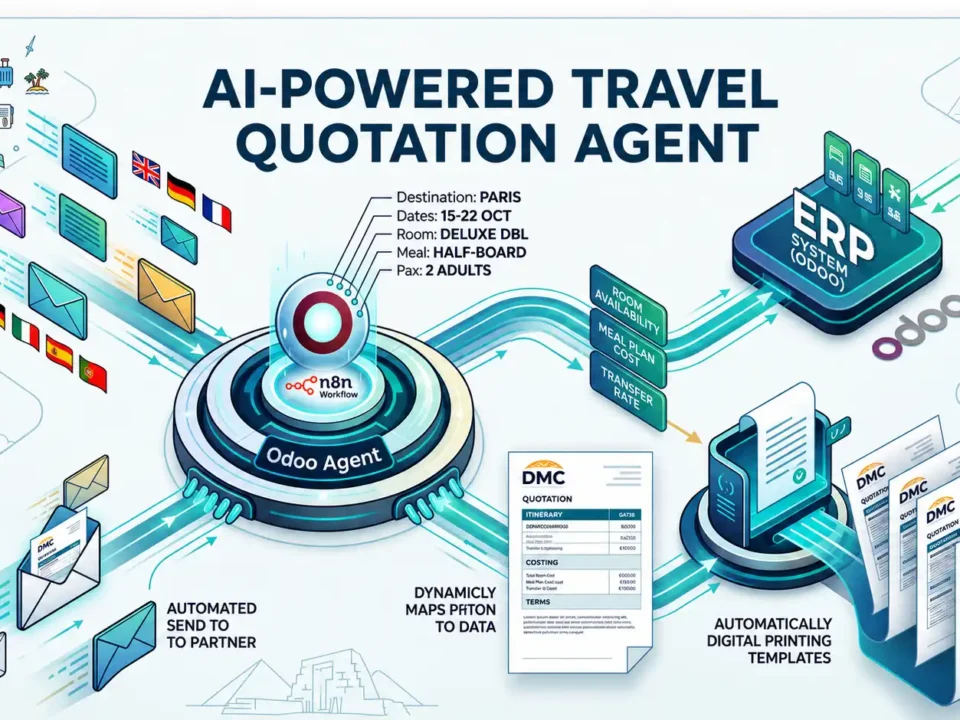
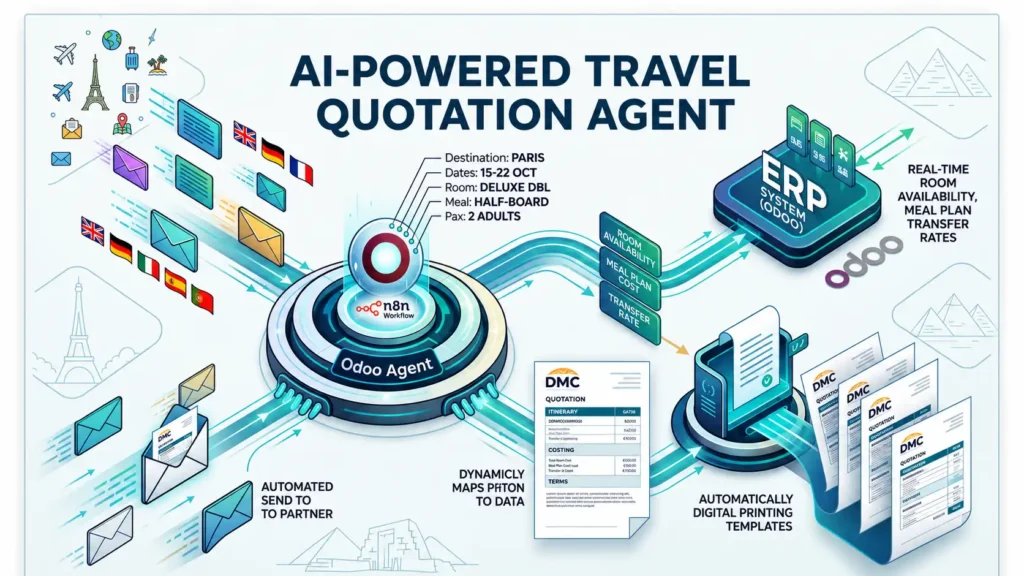
Most businesses we speak to have automations — WhatsApp auto-replies, Excel macros, Tally reports. These are single-system tools that do not connect across departments. ERP is the connected operational backbone that makes automation possible at scale — a quotation agent, for example, only works if the live price list and contracted rates are already in a connected ERP. Automation without ERP is a workaround. Automation on top of ERP is transformation.
We tried ERP before and it did not work. Why would this time be different?
Failed ERP implementations almost always share one of three causes: the system was configured without properly understanding how the business actually operates; the team was not sufficiently trained and supported through the transition; or the scope was too broad and tried to change too many things at once. A well-run implementation starts with thorough workflow mapping, goes live with a focused scope, and expands capabilities as the team builds confidence in the system.